
Quick Start Guide
Welcome
Welcome to EZY GPS.
This quick start guide will help you install your tracker and begin monitoring your vehicle.
EZY GPS tracking systems use satellite positioning and mobile network connectivity to provide real-time vehicle monitoring.
Once installed, you can view your vehicle using:
- The EZY GPS mobile app
- The EZY GPS web platform
Most installations take only a few minutes.
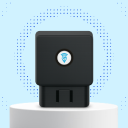
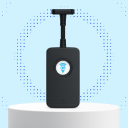
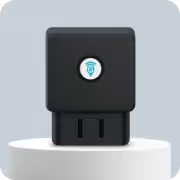
Identify Your Tracker

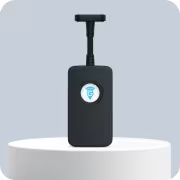
Install the Tracker
Install the tracker using the correct installation guide.
- OBD trackers can usually be installed in less than one minute.
- Hardwired trackers should be installed by a qualified technician or auto electrician.
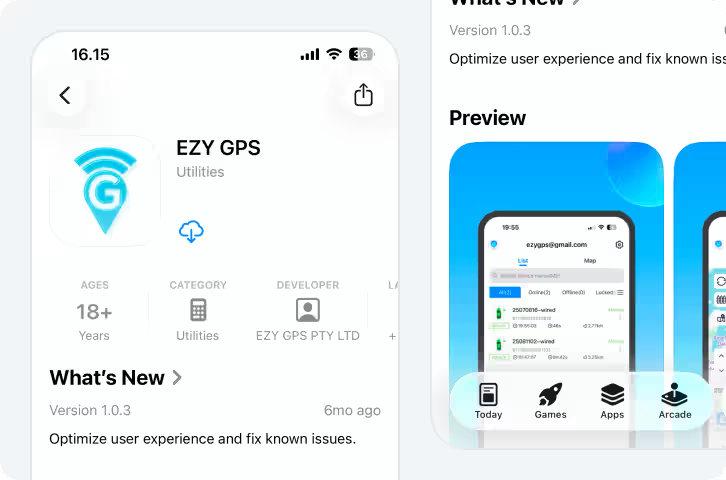
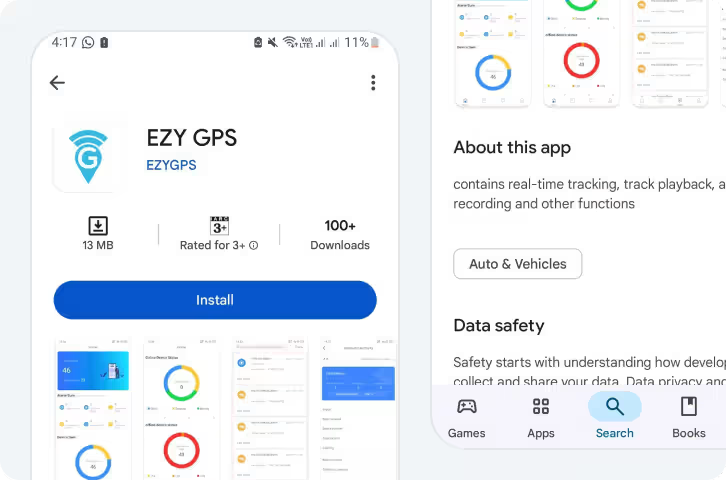
Download EZY GPS App


Log In to Your Account
Once the app is installed:
- Open the EZY GPS app
- Enter your username
- Enter your password
- Tap Log In
Your login details will normally be provided when your tracker is activated.
Verify Tracking
After installation:
- Start the vehicle
- Open the EZY GPS mobile app
- Confirm your vehicle appears on the map
Drive the vehicle briefly to confirm that the location updates. If the vehicle appears online and location updates correctly, the tracker is working.
Common Setup Questions
Check the following:
- The tracker is receiving power
- The vehicle ignition is on
- The device has mobile network coverage
If the issue continues, visit the troubleshooting guide.
Most vehicles have the OBD port under the dashboard on the driver's side. For help locating your port, visit the Find Your OBD Port guide.
More Guides
Still Need Help or Have Another Question?