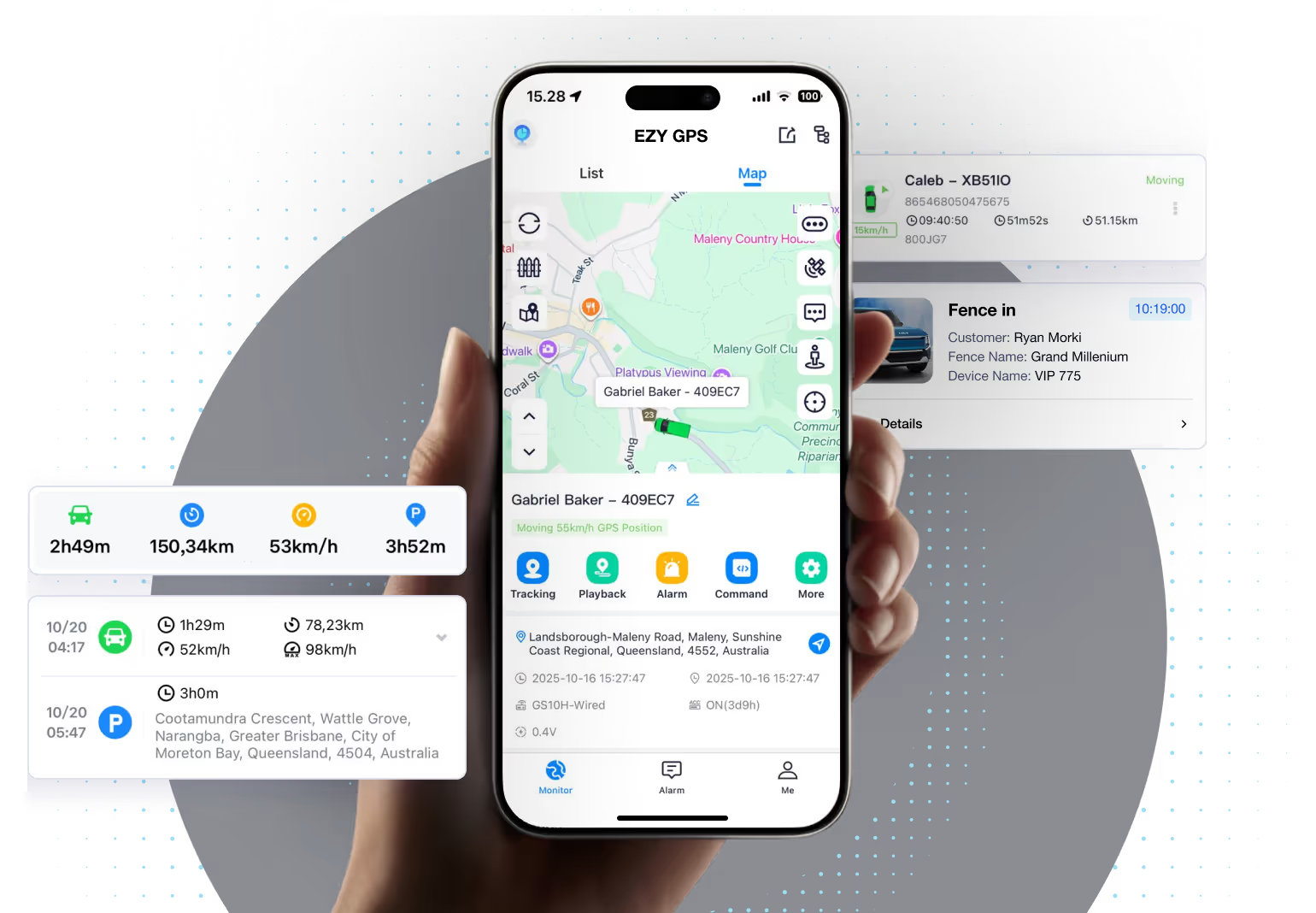
EZY GPS tracking app

Your vehicles, trips and alerts in one place

Check vehicle locations, review recorded journeys and manage your fleet from the EZY GPS mobile app or web portal.

EZY GPS mobile and web tracking app

Tracking and security

Practical tools for vehicles you own or are authorised to manage

Use location, trip history and configured alerts to keep track of your vehicles. Available functions depend on your device and installation.

Location and trip history

View current vehicle location and review recorded trips through the app or web platform.

Alerts and geofences

Configure relevant movement, location or status alerts where supported by the device and setup.

Account and device management

Manage multiple supported devices and access from phone or desktop.

Tracking for work vehicles

Use vehicle activity to plan and review your work

Tracking data

Shows what happened: location, trips, stops and other recorded activity supported by the platform.

Review vehicle activity

Check recorded journeys when reviewing jobs, travel or unexpected vehicle movements.

Manage multiple vehicles through one account, with recorded journeys available to review on your phone or computer.

Help getting started

Choose a tracker that fits your vehicle

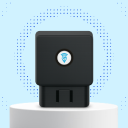
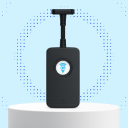
Choose a self-fit OBD tracker for a compatible vehicle, or a hardwired tracker with installation arranged separately. Our team can help you choose the device and plan.


Download the EZY GPS App

Install the app on your phone and sign in with your EZY GPS tracking account.
Scan QR to download EZY GPS app
QR code to download the EZY GPS app
Download EZY GPS on the Apple App StoreGet EZY GPS on Google Play
EZY GPS mobile and web tracking app
app features
2

Easily Control GPS from Your Smartphone

EZY GPS mobile app screen

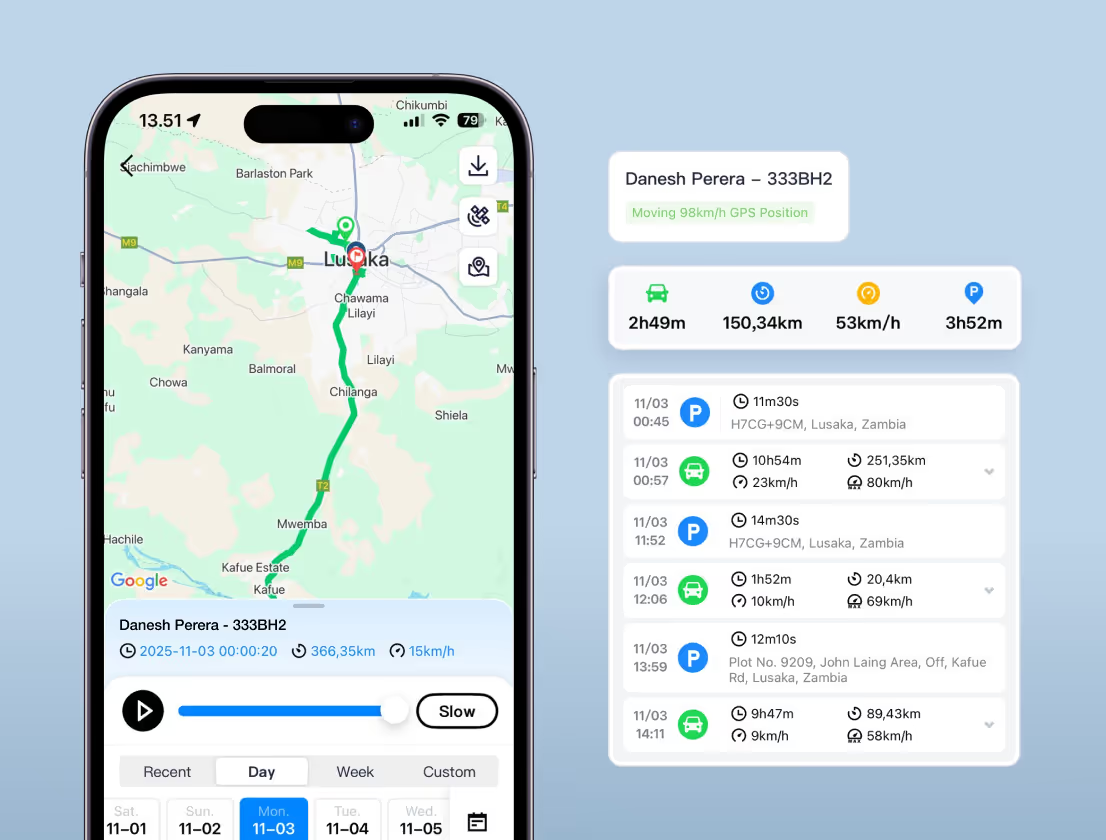
Location & Route Playback

View current locations and review recorded journeys on the map. Update timing depends on device settings, mobile coverage and operating conditions.
Features:
Current vehicle locations
Recorded routes, speed and stops
Map view for reviewing journeys
EZY GPS mobile app screen

Vehicle Alerts

Review supported movement and status alerts through your configured tracking service.
Features:
Movement alerts where configured
Device status information
Alert options depend on the device and installation
EZY GPS mobile app screen

Trip & Activity Reports

Review recorded trips, distance and speed when checking vehicle activity.
Features:
Recorded trip history
Distance and speed information
Review activity for selected vehicles
EZY GPS mobile app screen

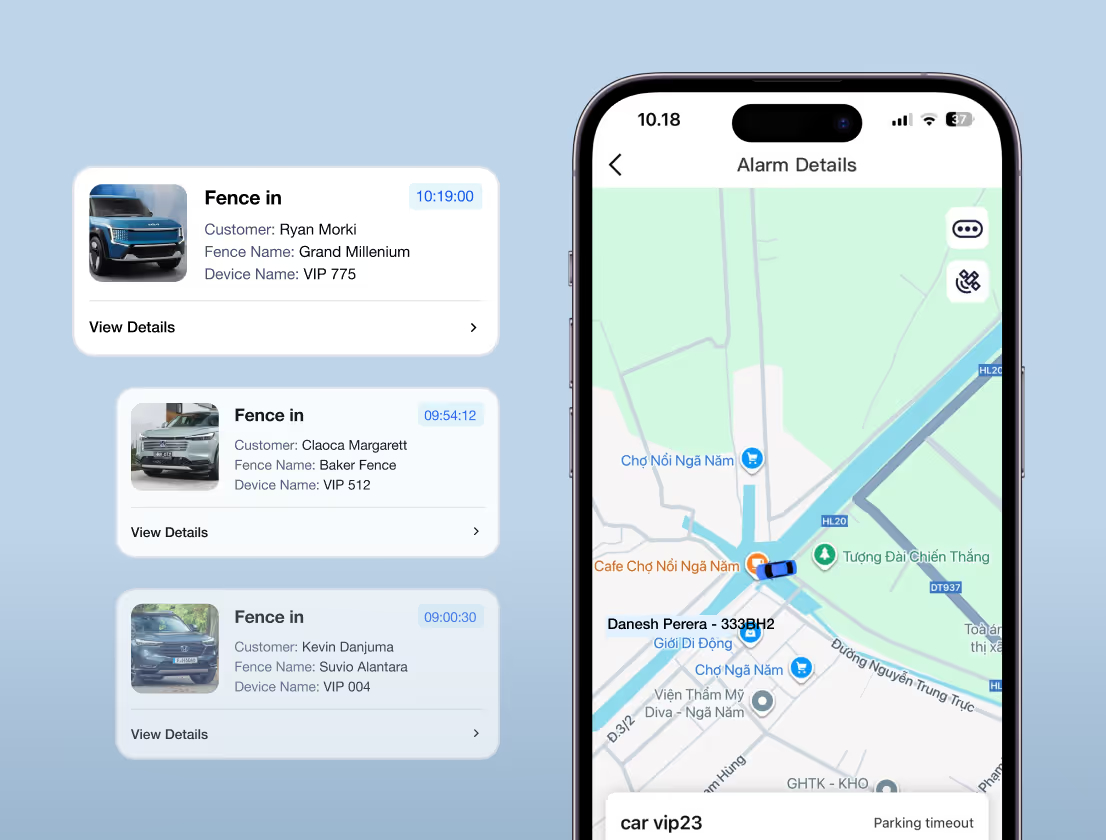
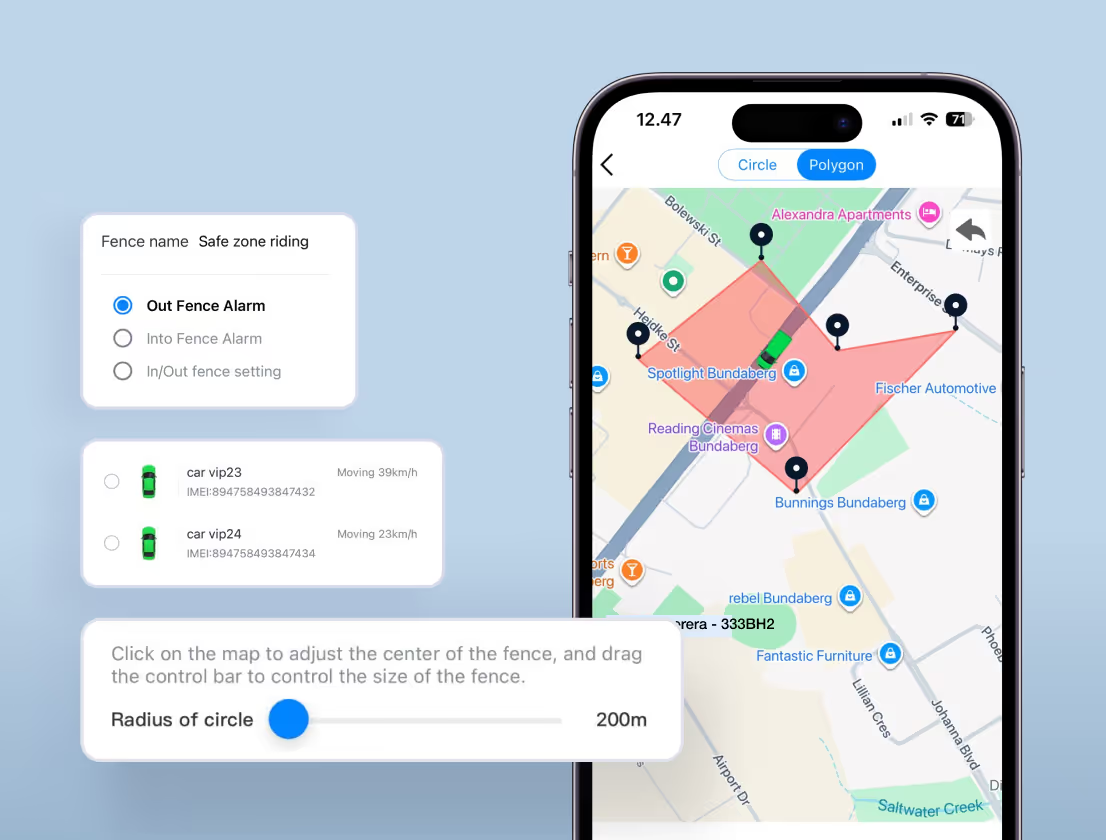
Geofences & Location Alerts

Set zones around locations that matter and receive configured entry or exit alerts.
Features:
Custom zones around relevant locations
Entry and exit alerts where configured
Review movement around your sites
EZY GPS mobile app screen

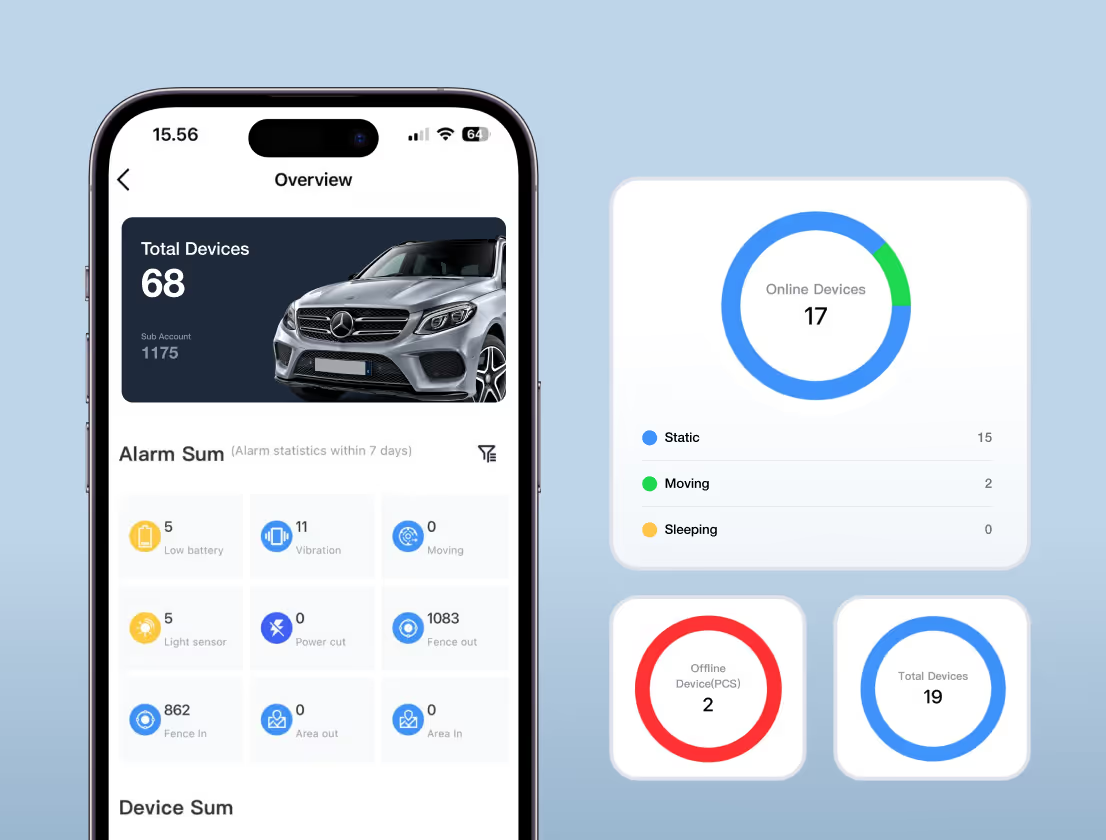
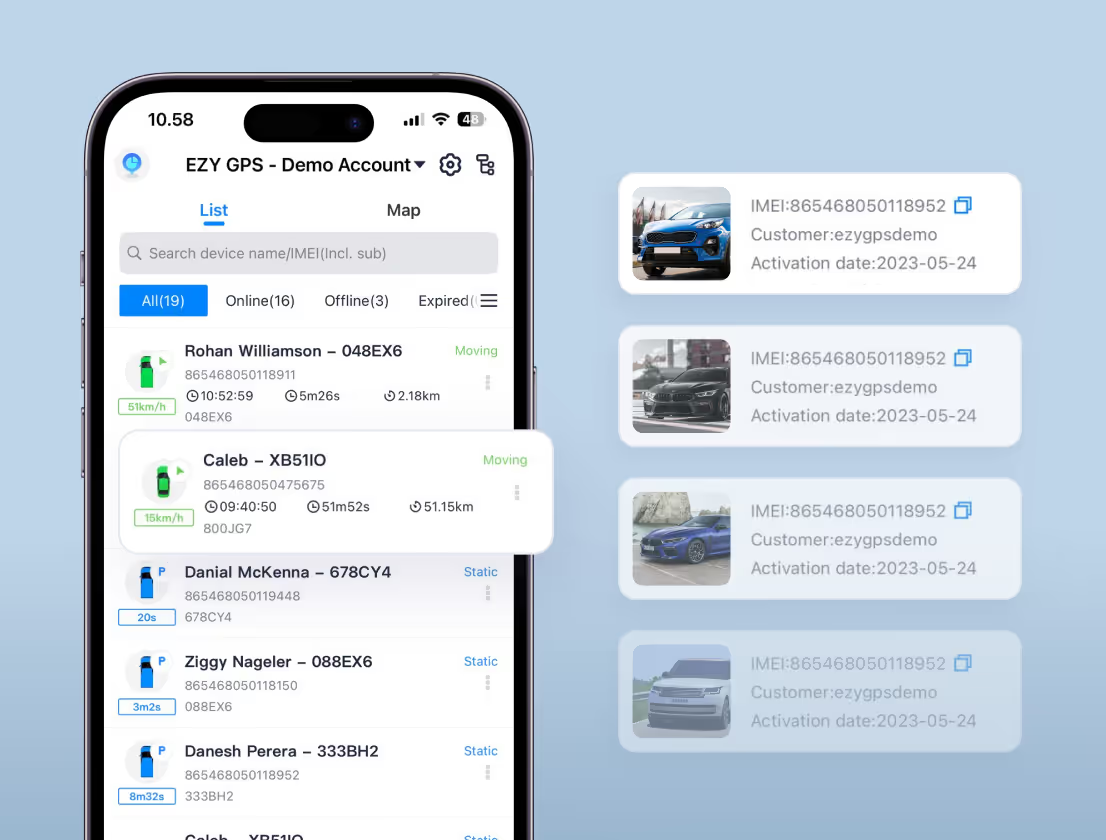
Manage Multiple Vehicles

Check vehicle locations and recorded activity from one account.
Features:
View vehicles from one dashboard
Select a vehicle to review its trips
Access through the app or web portal
Ready to control and manage your GPS? Download our App now.
Download EZY GPS on the Apple App StoreGet EZY GPS on Google Play
app benefits
3

Practical tracking for everyday use

Blue car icon for vehicle visibility
Vehicle Visibility
Check the reported location of your vehicles through the app or web portal.
Blue timer icon for reviewing journeys
Review Journeys
Use recorded trip history when checking routes and vehicle activity.
Blue padlock icon for monitoring movement alerts
Monitor Movement
Use configured location alerts to help identify unexpected movement.
Blue pie chart icon for fleet overview
Fleet Overview
View multiple vehicles from one account.
testimonial
5

Hear From Australian Businesses Using Our GPS

Graham Tulloch, EZY GPS customer
Software Amazing
“We have been using EZY GPS trackers for some time now and everything has been a smooth ride. The software is amazing, so detailed and easy to use. It has been a positive experience, highly recommend.”
Reztor Restoration logo
Graham Tulloch
Director of Reztor Restoration
Bushtracker GPS tracking customer
Customer experience
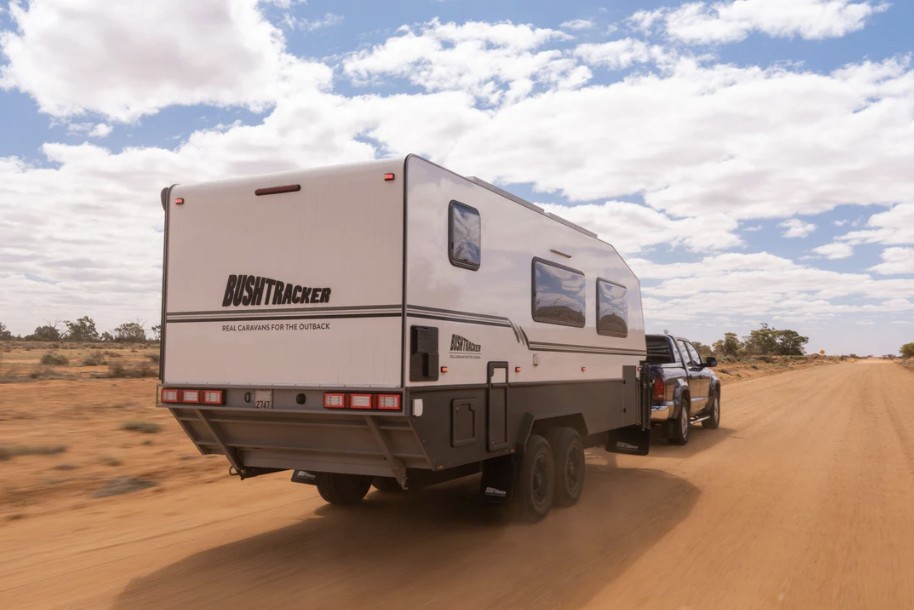
“We’ve tested other tracking providers before, but EZY GPS has been the most reliable by far. The setup was simple, the software is easy to use, and the support team actually understands fleet operations. Having visibility across all our assets has given us greater peace of mind. For us, it’s been a game-changer.”
Bushtracker logo
Tracy B
Founder of Bushtracker
get ezy gps app
5

Ready to Simplify Your Vehicle Tracking Now?

View vehicle locations and trip history using your EZY GPS tracking account.
Download EZY GPS on the Apple App StoreGet EZY GPS on Google Play
faq
6

Questions about the EZY GPS app

Still have another question?
See All FAQs

Is the GPS tracking live?

The platform displays location updates received from your tracker. Update timing depends on device settings, mobile coverage and operating conditions.

Can I track my vehicle from my phone?

Yes. Use the EZY GPS app on your phone or the web portal on your computer. An internet connection is required.

How does the GPS tracker work?

Each EZY GPS device is supplied pre-configured with a SIM card, allowing it to connect to the mobile network and transmit location data to the tracking platform. Once installed, the device sends regular location updates which can be viewed through the mobile app or online platform.

Does the GPS tracker show vehicle speed?

Yes. EZY GPS devices record vehicle speed, trip history, and movement activity, allowing you to review driving behaviour and trip details at any time.

Can I see where my vehicle has been?

Yes. The platform records trip history and route playback, allowing you to see exactly where a vehicle travelled, when it stopped, and how long it remained at each location.

Will the GPS tracker work if the vehicle is turned off?

Behaviour while parked depends on the tracker, vehicle power and device settings. The platform can show its last reported location. Ask our team about your vehicle and tracking requirements.

Installation is quick and simple.

  • OBD trackers plug directly into the vehicle’s diagnostic port and install in seconds.
  • Hardwired trackers can be installed by an auto electrician if you prefer a more discreet setup.

Most customers have their tracker up and running within minutes.

How long is tracking data stored?

Contact our team to confirm the current retention period for your account, especially if you need records for a specific reporting period.

Installation is quick and simple.

  • OBD trackers plug directly into the vehicle’s diagnostic port and install in seconds.
  • Hardwired trackers can be installed by an auto electrician if you prefer a more discreet setup.

Most customers have their tracker up and running within minutes.

Can I track multiple vehicles?

Yes. The EZY GPS platform allows you to monitor multiple vehicles
, making it ideal for
business fleets
, trades, and logistics companies.

Installation is quick and simple.

  • OBD trackers plug directly into the vehicle’s diagnostic port and install in seconds.
  • Hardwired trackers can be installed by an auto electrician if you prefer a more discreet setup.

Most customers have their tracker up and running within minutes.

Still have another question?
See All FAQs