

Hardwired Tracker Installation Guide
Overview
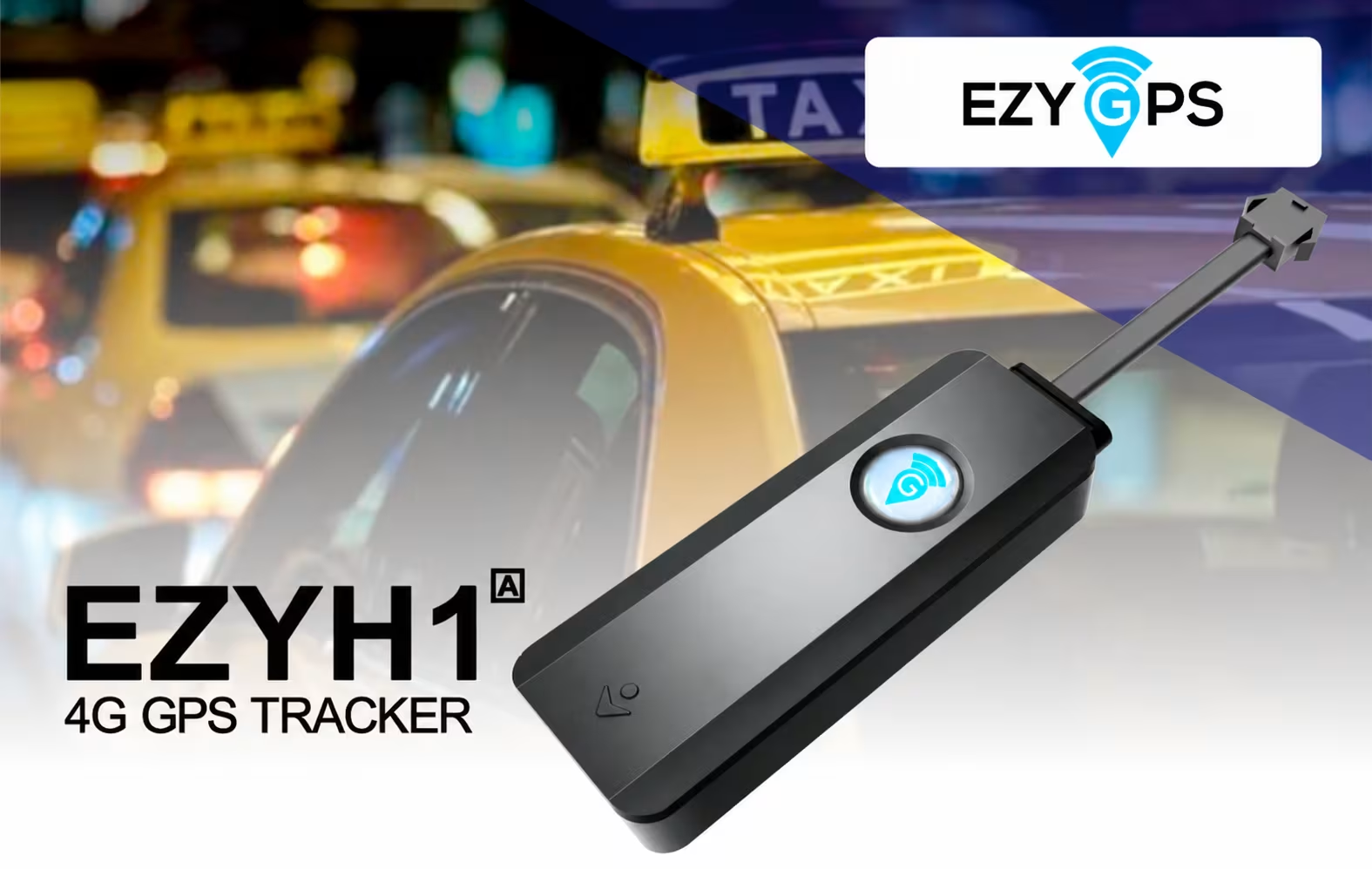
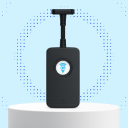
The EZY GPS hardwired tracker is designed for permanent installation inside a vehicle.
Unlike OBD trackers, hardwired devices connect directly to the vehicle's electrical system and are usually installed behind the dashboard.
Hardwired trackers are commonly used for:
- Fleet vehicles
- Commercial vehicles
- Rental vehicles
- Hidden installations
- Vehicles requiring remote engine immobilisation
Professional installation by an auto electrician or qualified installer is recommended.
Application


How the Hardwired Tracker Works
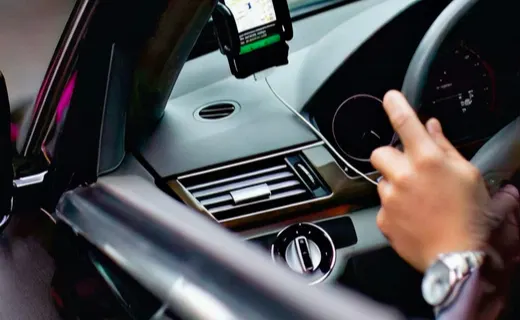
The hardwired tracker receives power from the vehicle's electrical system and uses satellite positioning technology to determine the vehicle location.
Vehicle activity can be monitored using:
- The EZY GPS mobile app
- The EZY GPS web platform
Depending on configuration, the tracker can detect:
- Ignition status
- Vehicle movement
- Overspeed events
- Vibration or tampering
- Remote engine immobilisation
What Comes in the Box
- EZY GPS hardwired tracker
- Power wiring harness
- Relay harness (if immobiliser is included)
- Inline fuse
- Installation guide
Before installation, inspect all components and ensure there is no visible damage.
Choosing an Installation Location
The tracker should be installed inside the dashboard area in a concealed location.
Recommended locations:
- Behind dashboard panels
- Behind the glove box
- Beneath the upper dashboard structure
- Inside the centre console area
Avoid installing near heat sources, moisture, moving steering components, or beneath heavy metal surfaces that may block GPS signal.
For optimal GPS reception, mount the device with the logo facing upward toward the windscreen.
Wiring Overview
| Red Wire | Constant battery power (12V+) |
| Black Wire | Ground / chassis earth |
| Orange Wire | Ignition / ACC signal |
| Yellow Wire | Immobiliser trigger |
| White Wire | Relay control wire |
Always confirm vehicle wiring using a multimeter before making connections. Never rely solely on wire colours within the vehicle.
Standard Installation (Tracking Only)
Installation With Engine Immobiliser
Immobilisation must only interrupt the starter motor circuit. Never install on:
- ECU power circuits
- CANBUS communication wiring
- Fuel pump circuits
- Vehicle safety systems
Incorrect installation may cause serious vehicle faults.
Installation without Kill Switch Relay
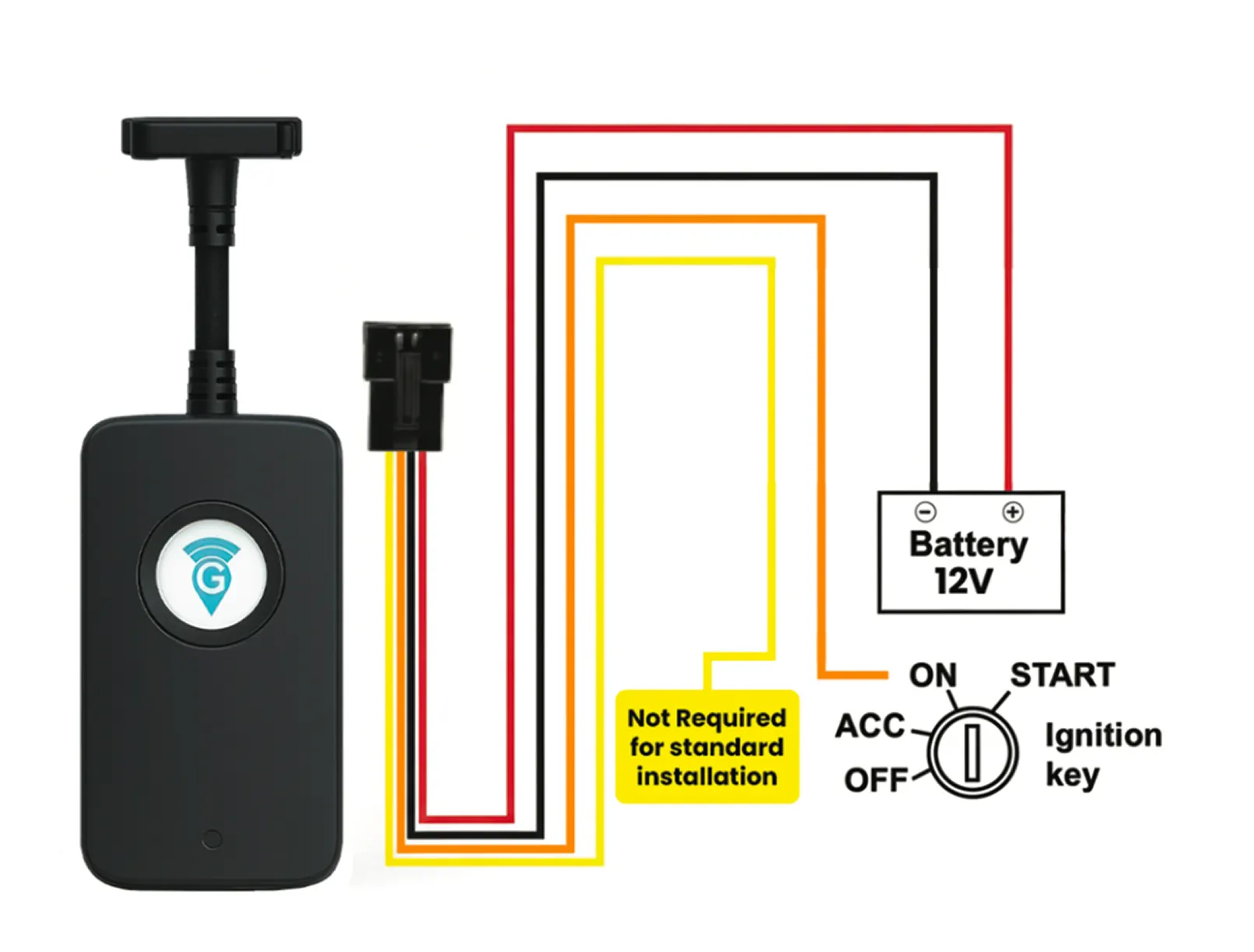
Wire Legend:
- Red – 12V Battery Positive
- Black – Ground / Negative
- Orange – Ignition Signal
- Yellow – Optional (Not required for standard installation)
Wiring Instructions
- Disconnect battery
- Connect Red to battery positive.
- Connect Black to ground.
- Connect Orange to ignition ON wire.
- Yellow wire is optional.
- Reconnect battery and test.
Important Notes:
- Yellow wire is not required for standard installation
- Install by qualified technician
- Use only for 12V vehicles
Testing the Installation
After installation confirm:
- The device powers on
- GPS signal is acquired
- Mobile network signal is acquired
- The tracker appears online in the EZY GPS platform
- Ignition status updates correctly
- The vehicle starts normally
- No dashboard warning lights appear
If immobilisation is installed:
- Confirm the vehicle starts normally when immobiliser is disabled
- Confirm the starter circuit is blocked when immobiliser is activated
Verifying the Device in the Platform
Best Installation Practices
For optimal performance:
- Always test circuits with a multimeter
- Keep wiring neat and secured
- Mount the tracker securely
- Separate the tracker and relay locations
- Ensure the installation looks factory-installed
Common Installation Issues
Check:
- Power connection
- Ground connection
- Ignition connection
- Network coverage.
- Check that the ignition wire is connected to the correct ACC source.
Check:
- Relay wiring
- Correct starter wire identification
- Relay control wiring
Technical Specifications
| Device dimensions | 82 mm × 30.5 mm × 14.8 mm |
| Weight | approx. 38 g |
| Operating voltage | 9V – 90V DC |
| Network support | 4G LTE |
| Location accuracy | approx. 5 metres |
| Backup battery | 300 mAh rechargeable battery |
| Operating temperature | -20°C to 75°C |
Product Data Sheet
After installation
Manage a professionally installed GPS tracker
Review the hardwired device, share the technical manual with your installer, compare plans and manage vehicles online.
Still Need Help or Have Another Question?