
Mobile App Guide
Overview
The EZY GPS mobile app allows you to monitor vehicles in real time directly from your smartphone.
Using the app you can:
- Track vehicle locations live on a map
- View trip history and travel routes
- Receive alerts for vehicle activity
- Monitor multiple vehicles
- Access tracking from anywhere
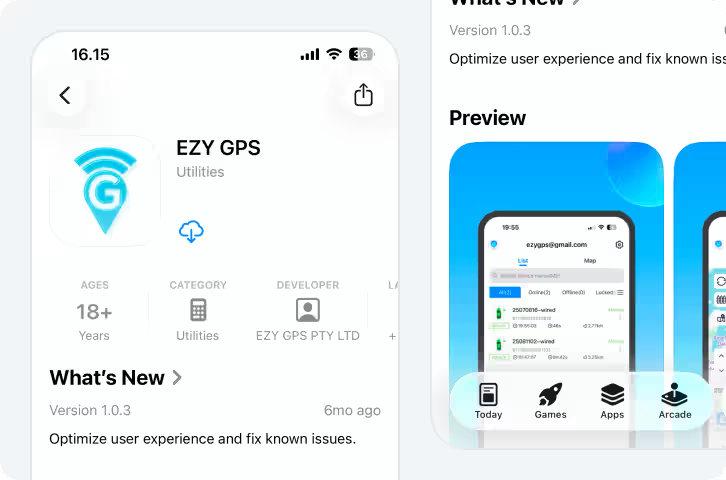
The app is available for both iPhone and Android devices.
Download EZY GPS App

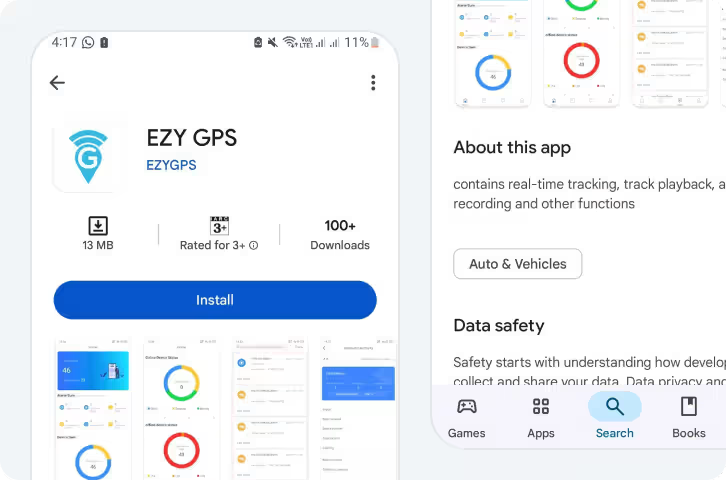

Logging In
Once the app is installed, log in using the account details provided when your tracker was activated.
- Open the EZY GPS mobile app

- Enter your username
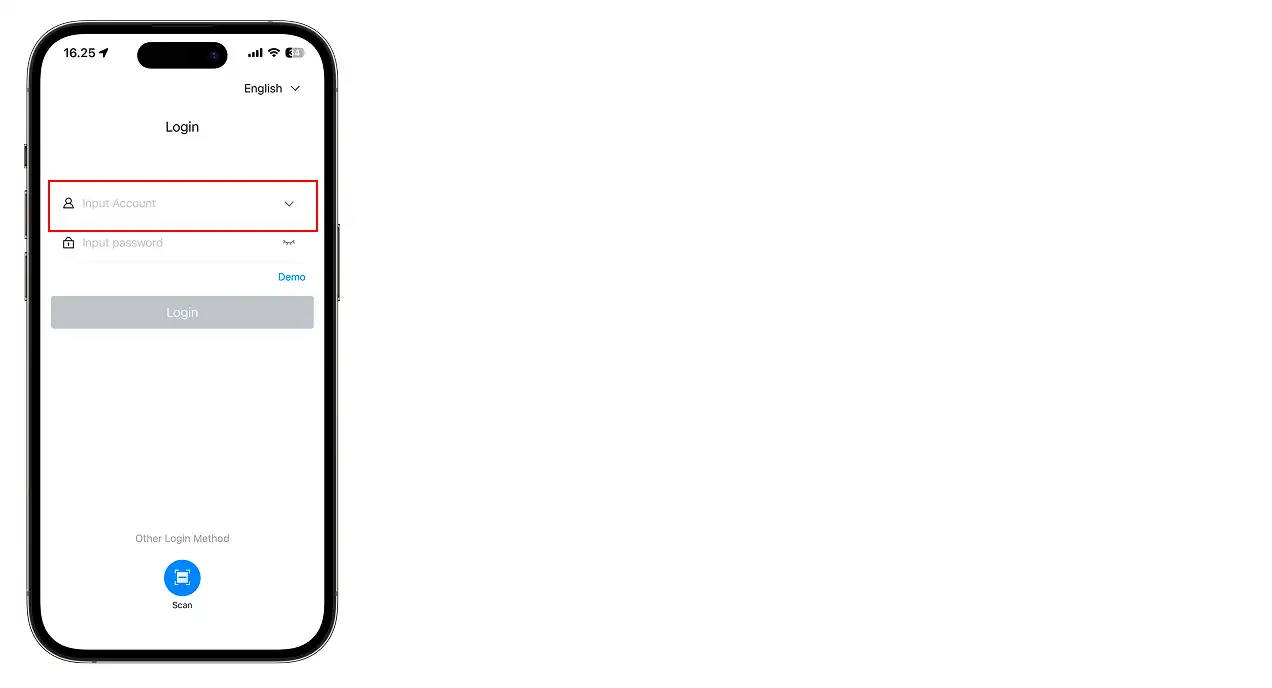
- Enter your password
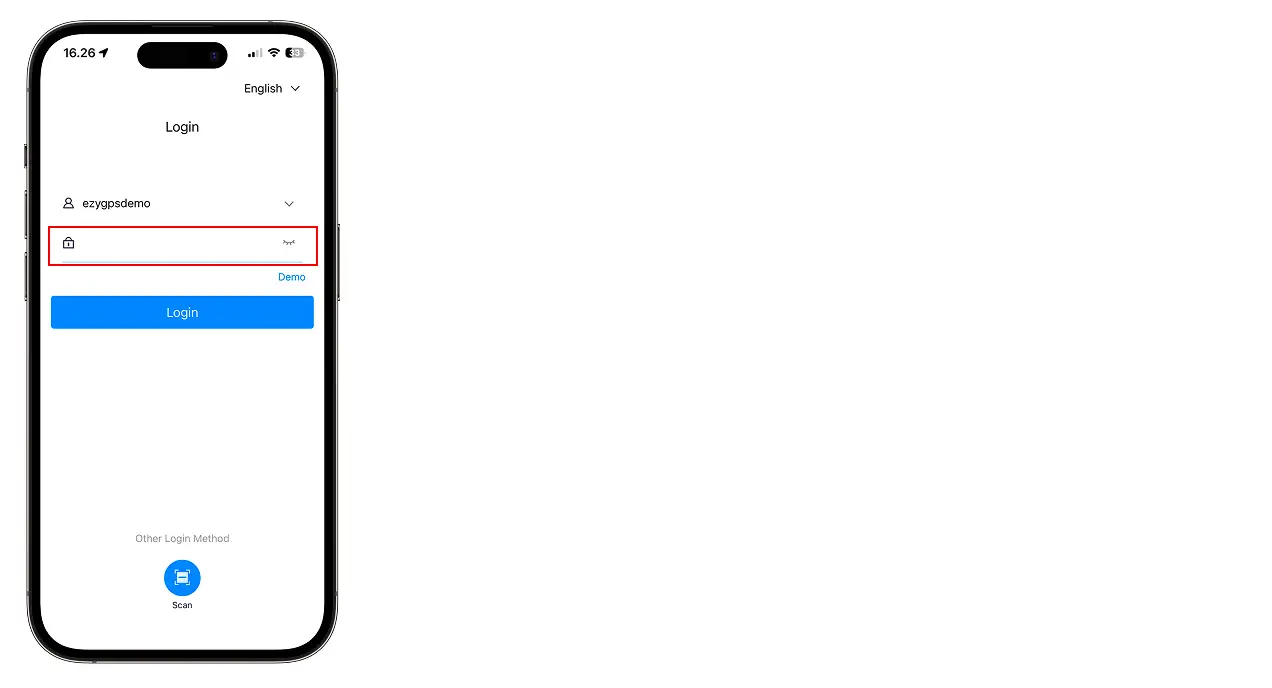
- Tap Log In
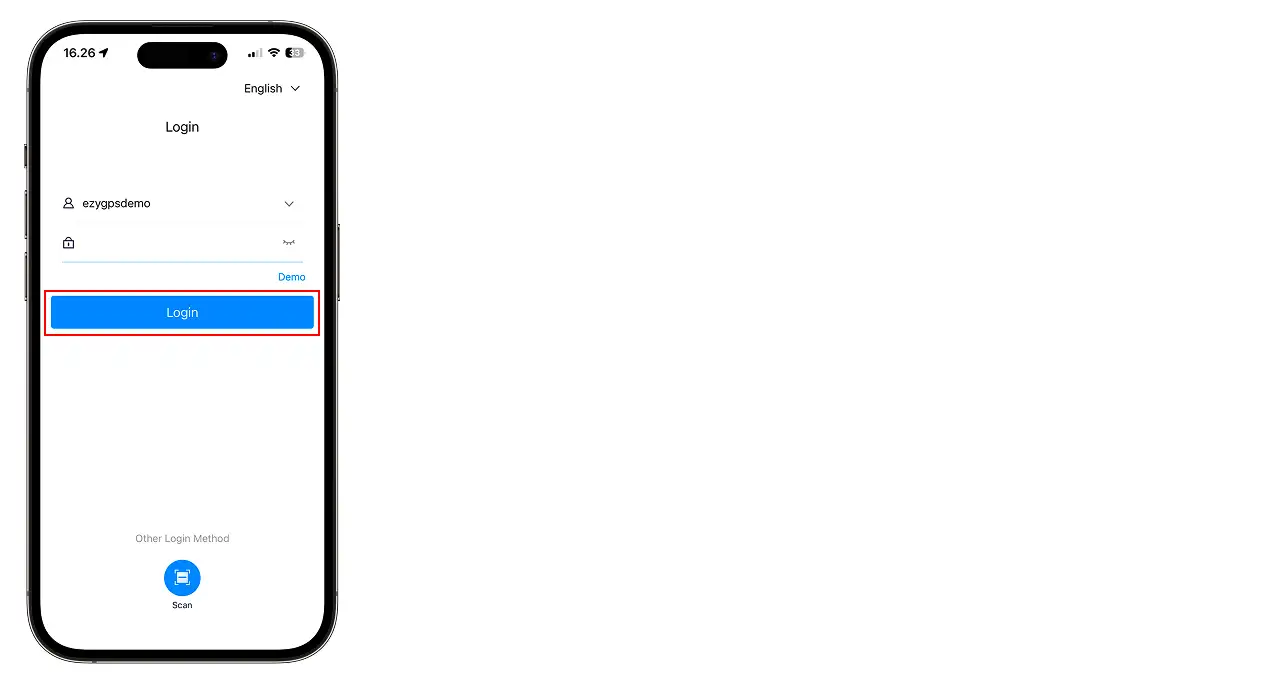
Main App Screen
After logging in, the main screen displays a map showing the real-time location of your vehicles.
Selecting a vehicle will display:
- Vehicle name
- Current speed
- Ignition status
- Last update time
- Location address
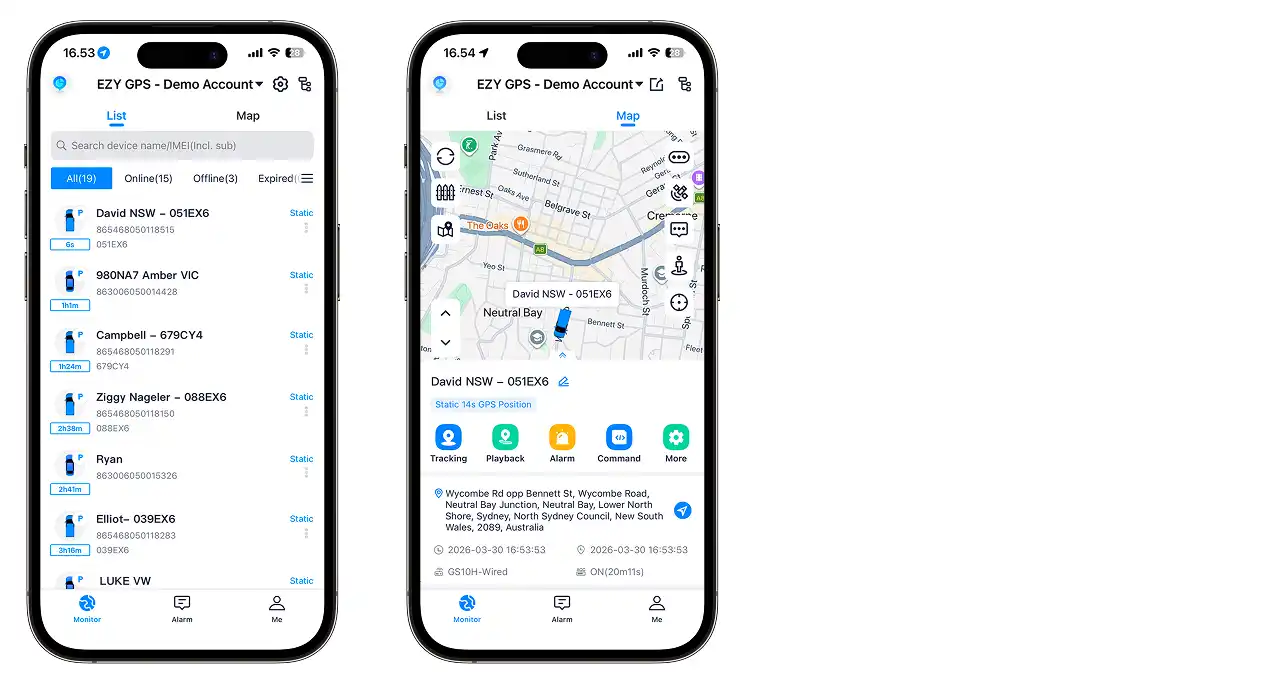
You can zoom and move around the map using standard touch gestures.
Viewing Vehicle Location
- Open the EZY GPS mobile app

- Select the vehicle from the vehicle list
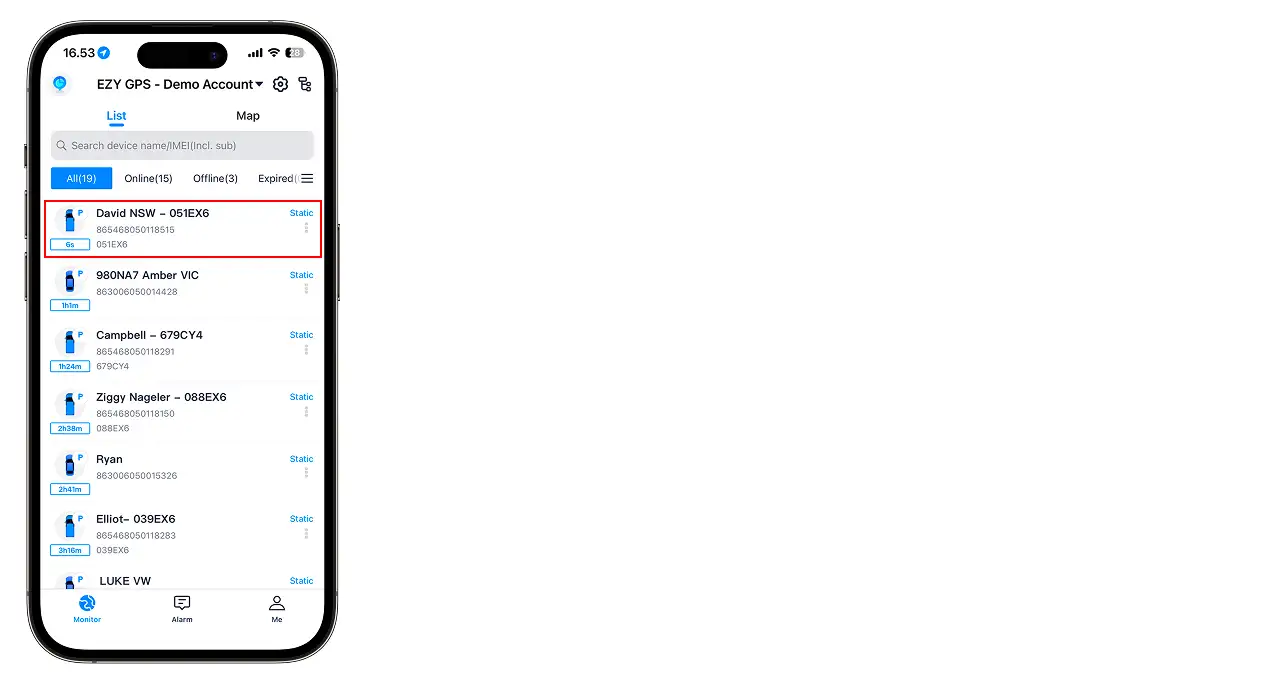
- The map will centre on that vehicle
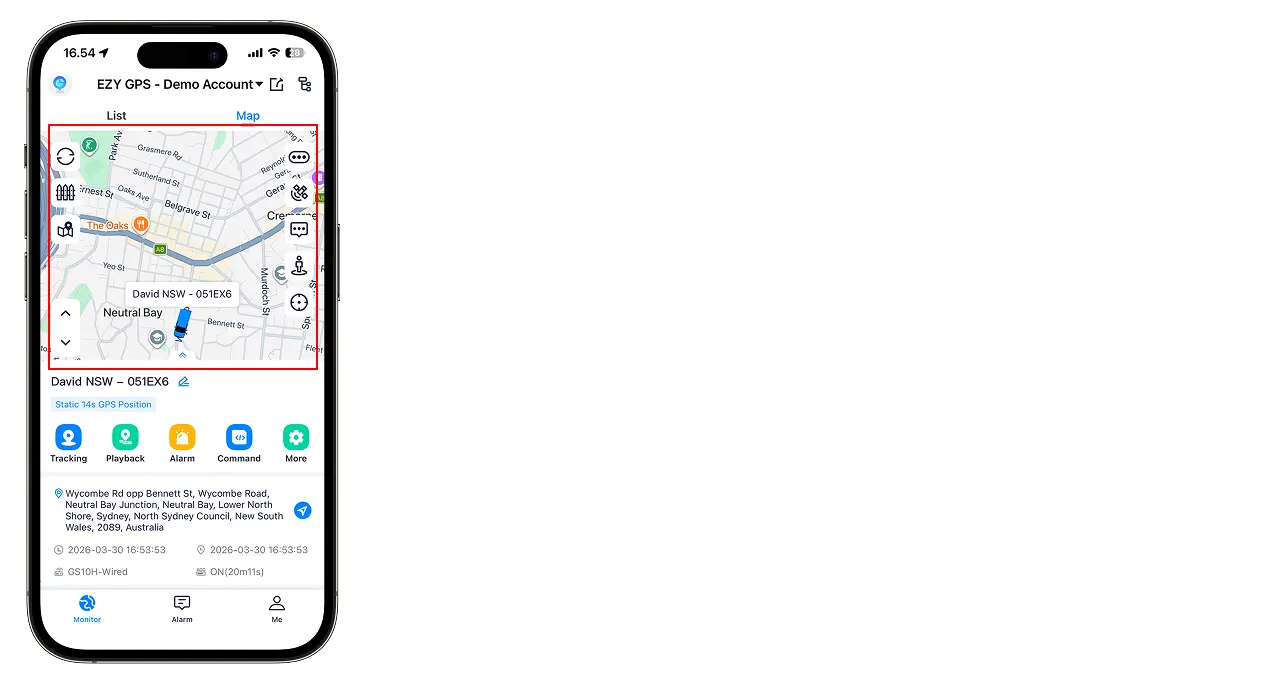
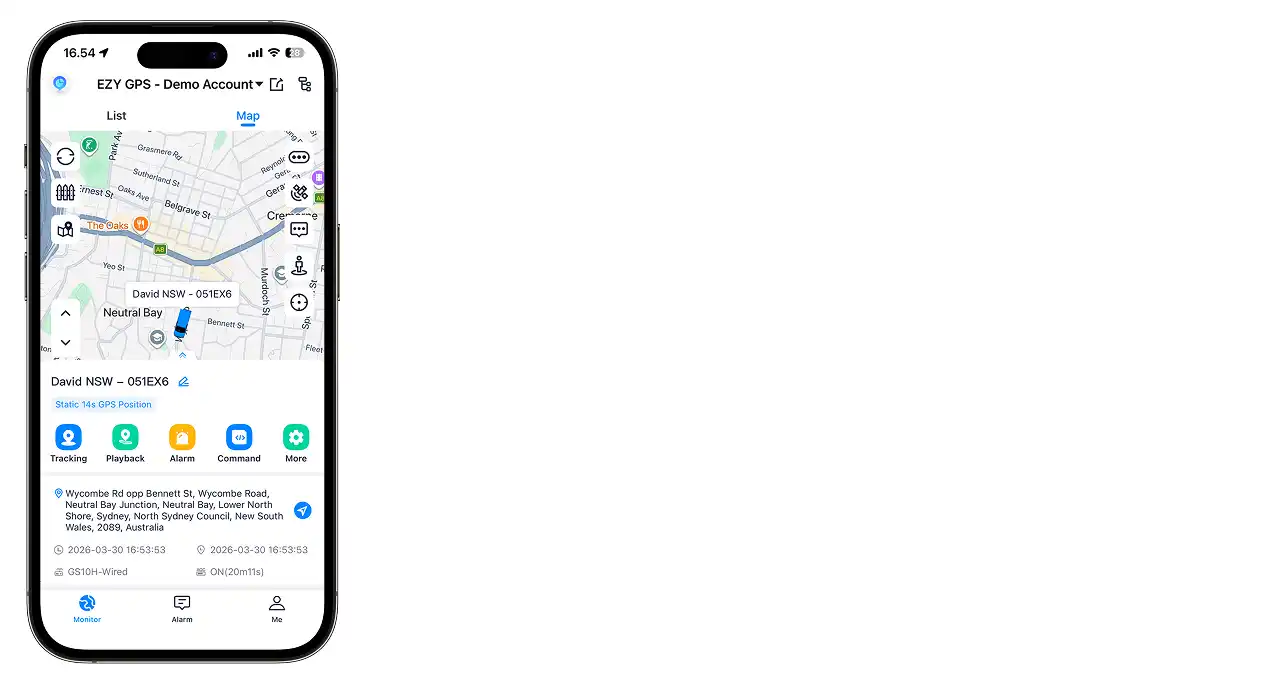
- The map will update automatically as the vehicle moves
Viewing Trip History
- Open the EZY GPS mobile app
- Select the vehicle
- Tap Trip History
- Select the date range you want to view
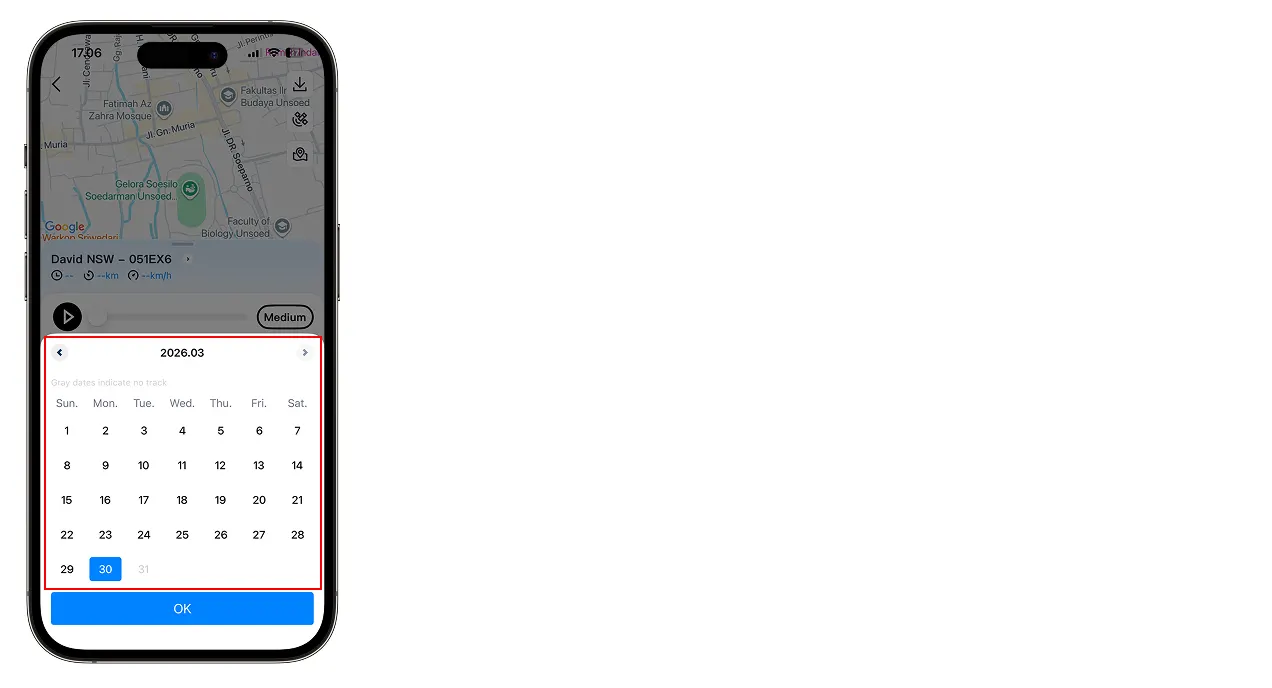
- Tap Search
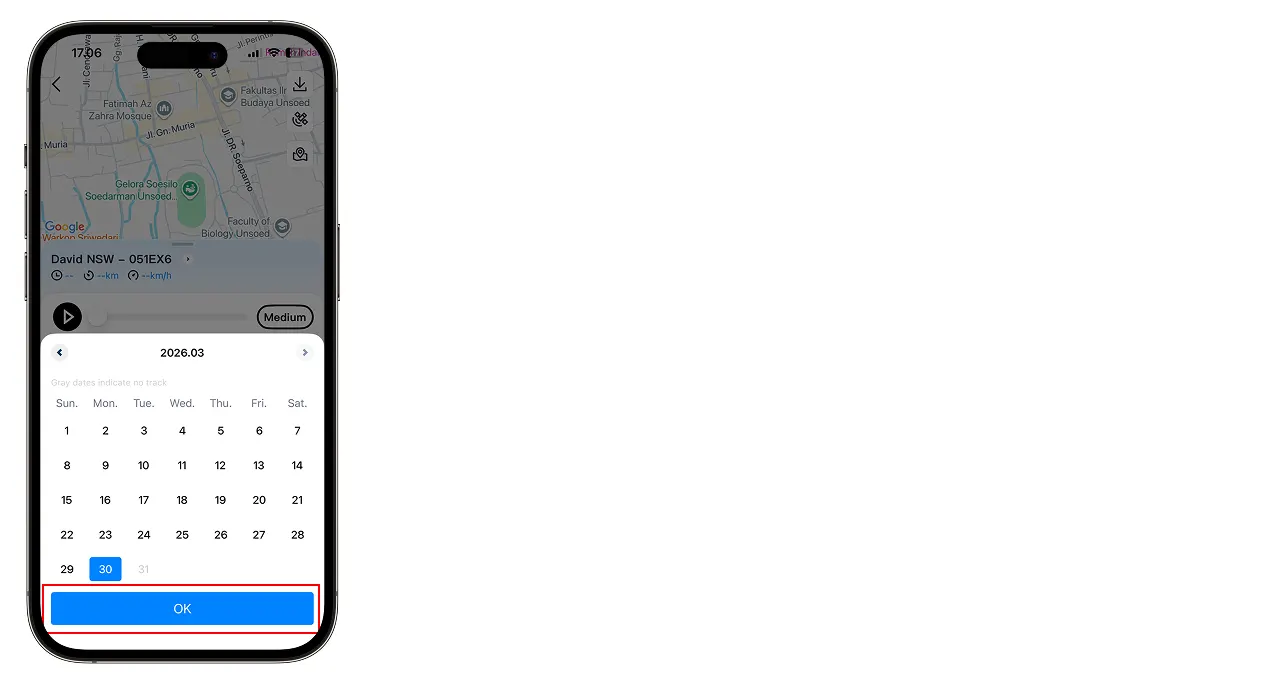
Each trip will show: start location, end location, distance travelled, and travel time.
Trip Playback
- Open the EZY GPS mobile app
- Select the vehicle
- Tap Trip History
- Select the date range you want to view
- Tap Playback
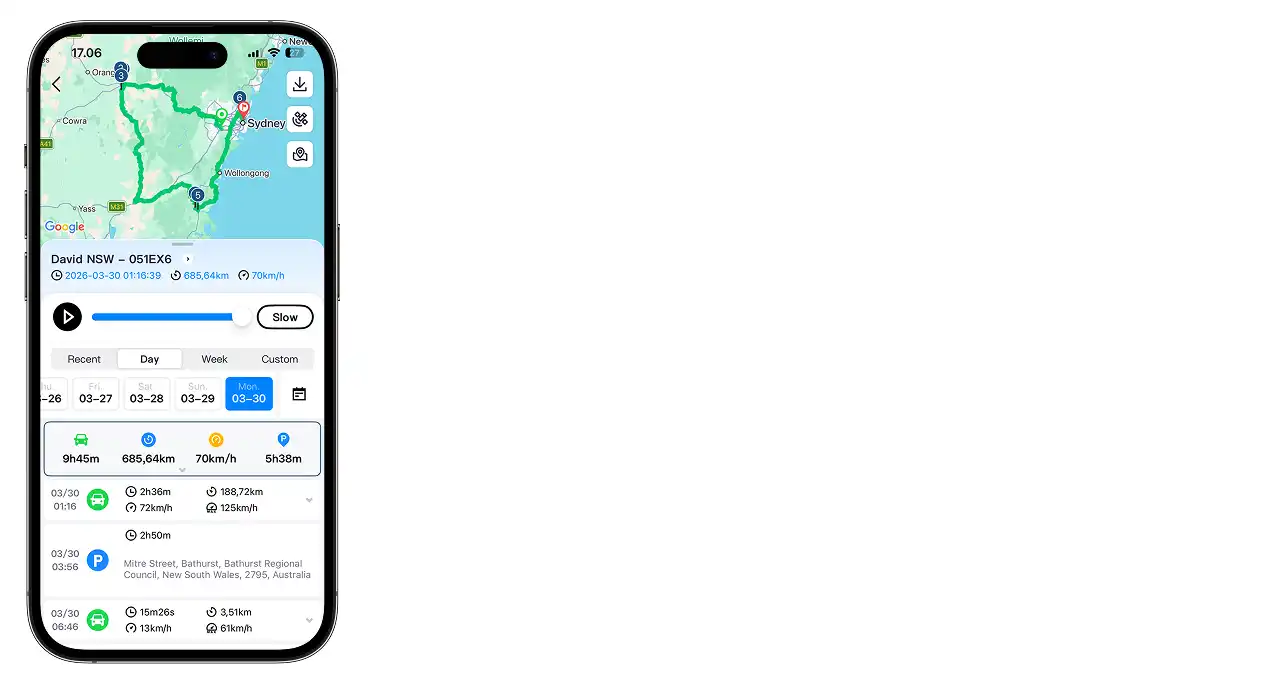
The system will animate the route the vehicle travelled. Playback speed can usually be adjusted.
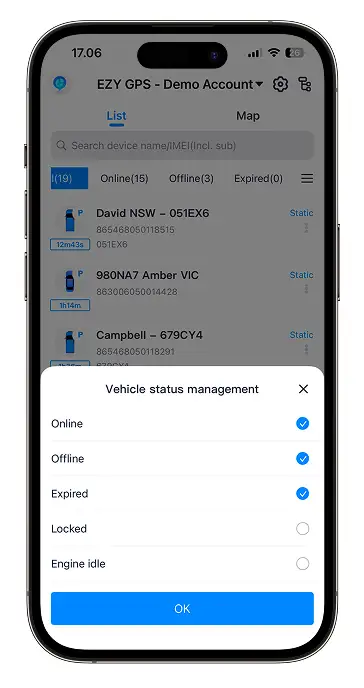
Viewing Vehicle Status
| Red Wire | Constant battery power (12V+) |
| Black Wire | Ground / chassis earth |
| Orange Wire | Ignition / ACC signal |
| Yellow Wire | Immobiliser trigger |
| White Wire | Relay control wire |
Receiving Alerts
The EZY GPS system can send alerts when certain events occur:
- Overspeed alerts
- Geofence entry alerts
- Geofence exit alerts
- Vibration alerts
- Power removal alerts
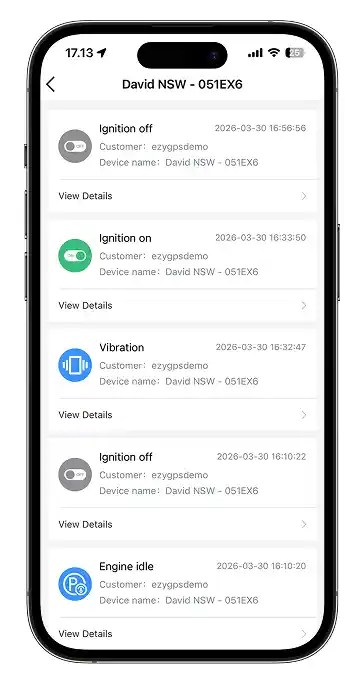
Alerts can be configured using the web platform.
Monitoring Multiple Vehicles
The EZY GPS app supports tracking multiple vehicles within a single account.
- Open the vehicle list
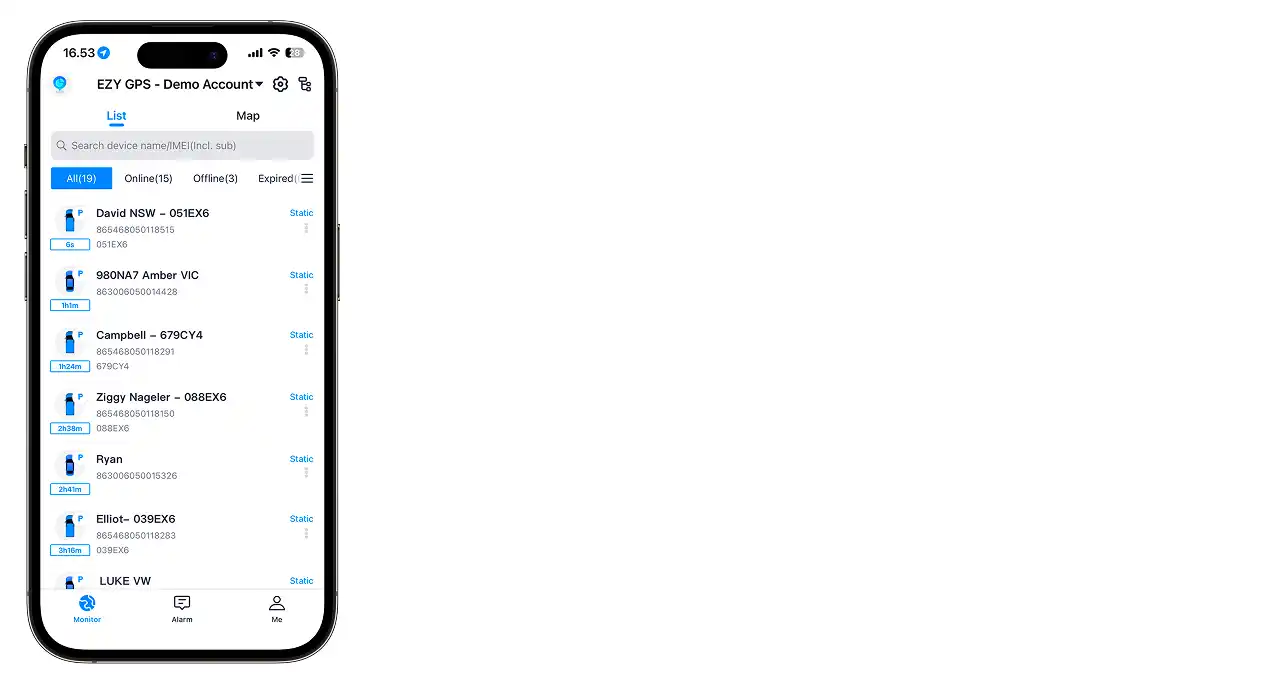
- Select the vehicle you want to view
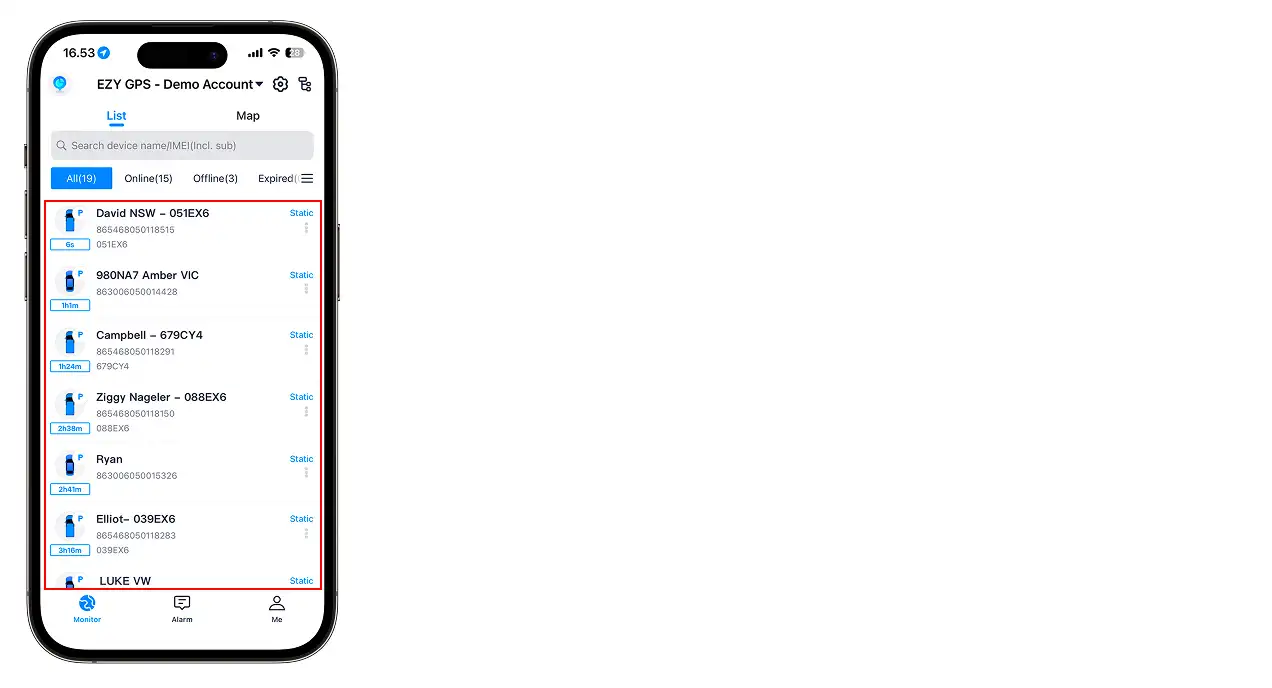
The map will automatically centre on the selected vehicle.
Refreshing Vehicle Location
Vehicle locations update automatically. If the map appears outdated:
- Refresh the app screen
- Select the vehicle again
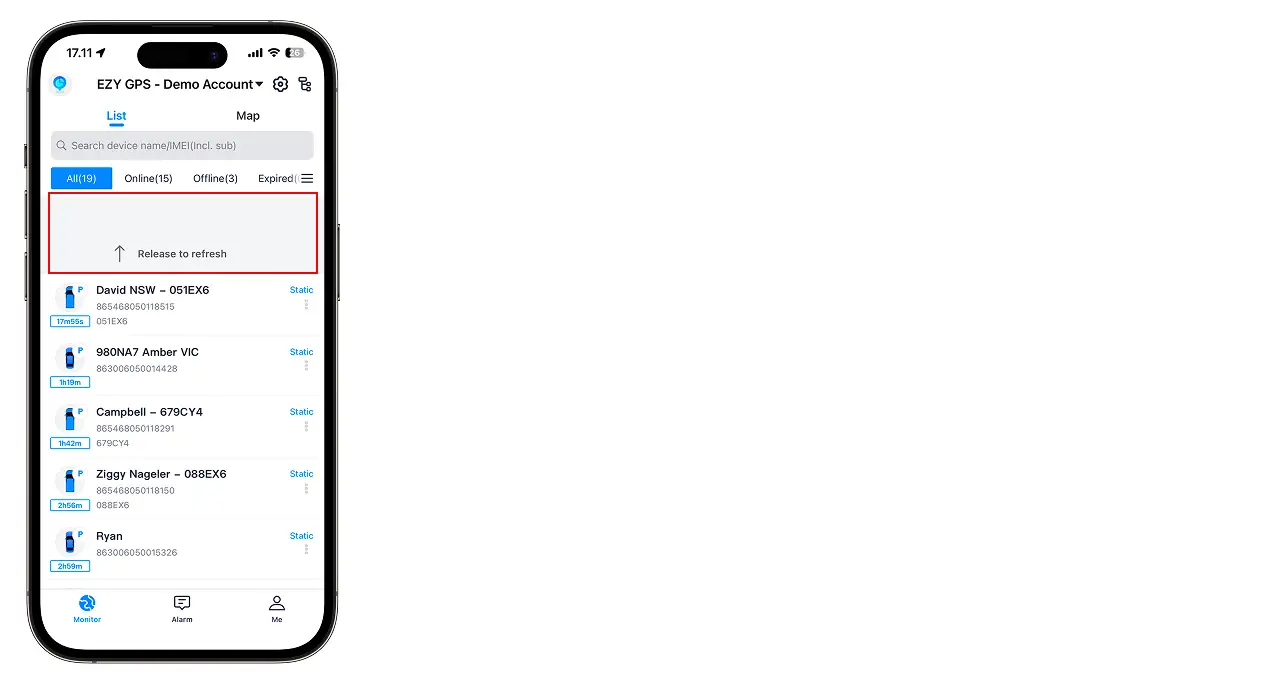
Location updates may be delayed if the vehicle is in an area with poor signal.
Logging Out
- Open the menu within the app
- Select Log Out
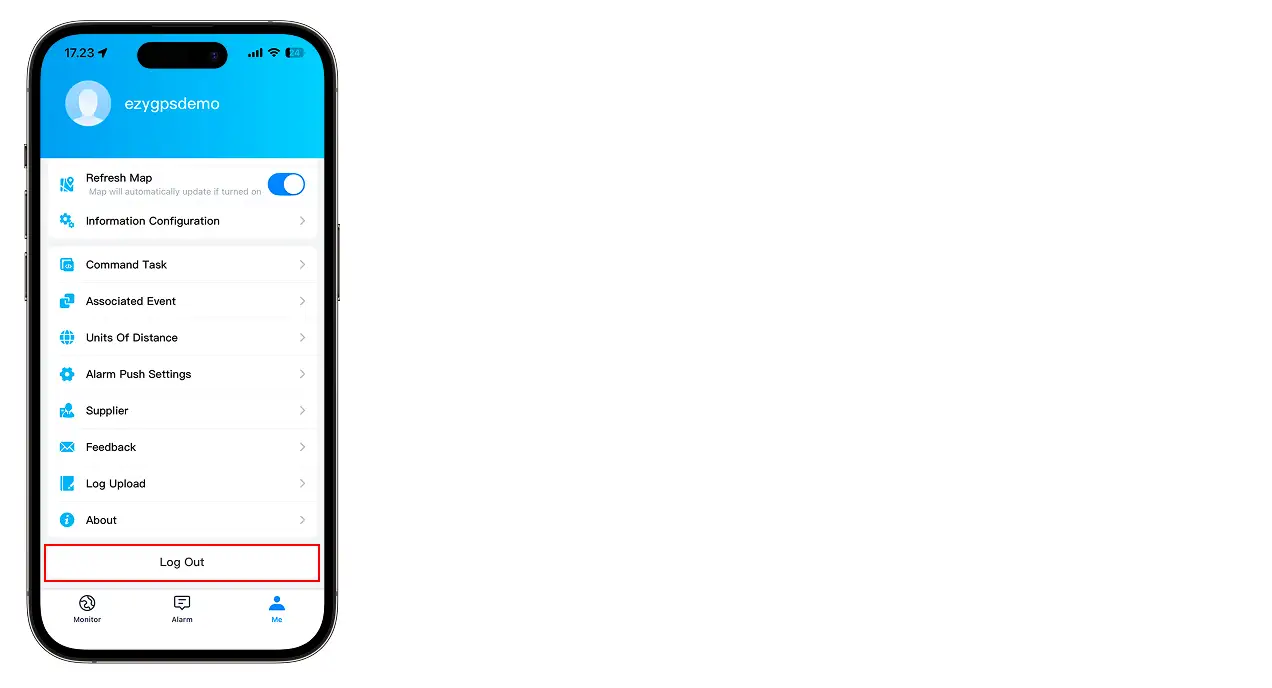
Logging out may be necessary when switching between accounts.
Common App Issues
- Username and password are correct
- Your phone has internet access
- The account has been activated
If login issues continue, contact EZY GPS support.
- The tracker has been installed correctly
- The tracker has been activated
- The correct account login is being used
- Possible causes: vehicle parked indoors, underground, or poor mobile network coverage.
- Driving the vehicle outdoors usually restores signal.
Still Need Help or Have Another Question?