
How to Find the OBD-II Port in an Australian Car

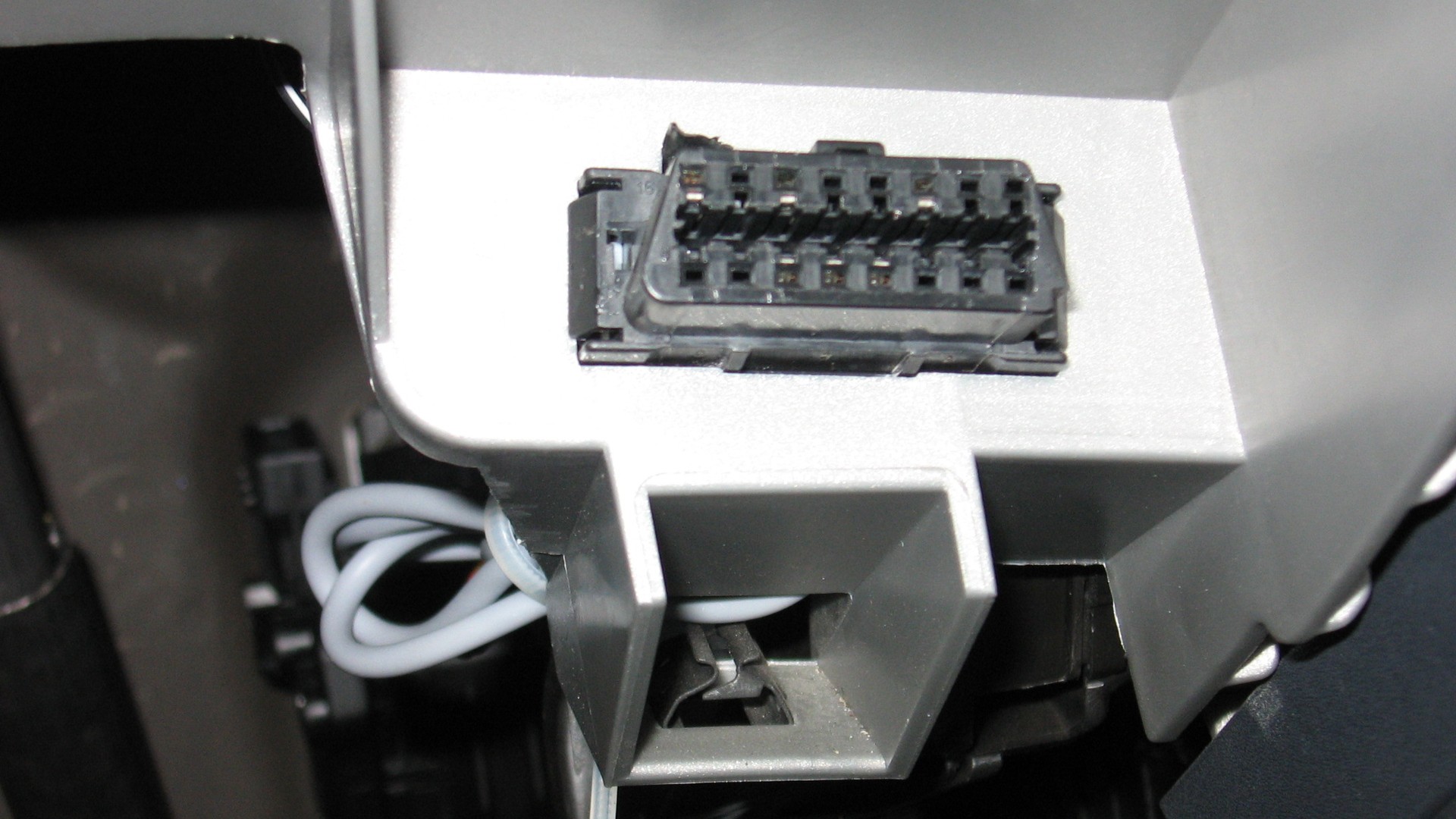
If you want to fit a plug-in GPS tracker, the first job is finding the OBD-II port. In most Australian cars, utes and light vans it is a 16-pin socket under the driver’s side of the dashboard. Once you can see it, the rest is simple: plug the tracker in, open the app, and track.
This guide explains what the port looks like, which vehicles usually have one, and where to look in a right-hand-drive cabin. It also covers what to do if the port is hidden, awkward, or missing.
What the OBD-II port is
OBD stands for on-board diagnostics. The port is the standard connector mechanics use to read fault codes and check emissions systems. A plug-in GPS tracker uses the same socket for power, ignition status and a secure physical connection. It does not need extra wiring.
Look for a 16-pin trapezoid-shaped connector, usually black or dark grey, about four to five centimetres wide. The socket is wider at the top than the bottom so a plug can only go in one way.
Which Australian vehicles have an OBD-II port?
Australia required OBD on light vehicles through Australian Design Rule 79/01. In practice:
- Petrol, LPG and natural-gas light vehicles: new models from 1 January 2005, and most remaining vehicles produced from 1 January 2006.
- Diesel light vehicles: new models from 1 January 2006, and most remaining vehicles produced from 1 January 2007.
That is why 2006 is the useful rule of thumb for Australian-delivered petrol cars. Many imported vehicles had a 16-pin port earlier, and some older Australian cars did not. If your vehicle is older than that, check the owner’s manual or look under the dash before you order a plug-in tracker.
The rule applied to light passenger and goods vehicles (M1 and N1) with a GVM of 3.5 tonnes or less. Heavy trucks, plant and some specialist vehicles often have no usable OBD-II port. Those usually need a hardwired GPS tracker.
Where to look in a right-hand-drive car
Australian vehicles are right-hand drive. Start in the driver’s seat and look under the dash on that side — not the passenger footwell.
The port is normally within about a metre of the driver and reachable without tools. Common places:
- Under the steering column, just above the pedals — the most common spot
- Inside the driver footwell, recessed up under the lower dash
- Near the interior fuse box, often to the left or right of the column
- Behind a small plastic cover labelled OBD, diagnostic, or DLC
- Less often, on the side of the centre console closest to the driver
A torch helps. The port is often angled slightly downward, so you see it more easily by looking up from the footwell than by peering over the steering wheel.
How to find it, step by step
1. Park safely and switch the ignition off
Turn the vehicle off before you start looking. You do not need the engine running to find the port.
2. Sit in the driver’s seat
Slide the seat back if you need room. Look under the dash around the steering column first.
3. Find the 16-pin socket
You are looking for a trapezoid plastic connector, not a cigarette lighter, USB port or 12-volt socket. If you see a small flap or cap, pop it off by hand.
4. Check the usual alternatives
If it is not under the column, check the fuse-box area, the kick panel, and the side of the centre console. Do not remove large trim panels. The port is meant to be accessible without tools.
5. Confirm the shape before you plug anything in
The tracker should slide in firmly and sit flush. Do not force it. If it will not seat, you may have the wrong opening, or the port may need an extension cable.
If you still cannot find the port
- Check the owner’s manual for “OBD”, “diagnostic connector” or “DLC”
- Search your year, make and model plus “OBD2 port location”
- Ask a mechanic to point it out during a service
- Call EZY GPS on 1300 399 477 if you are fitting one of our devices
Some vehicles hide the port well. That is a design choice, not a sign that the car is incompatible. If the port is missing, damaged, or already used by another device, a hardwired tracker is the better path.
Once you have found it: plug in, open the app, track
With an EZY GPS plug-in OBD tracker, installation is the short part.
- Insert the tracker firmly until it is fully seated
- Turn the ignition on so the device can power up and join the network
- Open the EZY GPS app on your phone or the web platform
- Confirm the vehicle appears on the map, then drive a short distance to check location updates
Live updates typically refresh every 10 seconds once the tracker is online. The app also stores trip history and can send alerts for vibration or power loss. Hardware is included with an EZY GPS subscription, and Australian support is available if the device does not come online.
You can unplug the tracker and move it to another compatible vehicle. Turn the ignition off first, pull the device straight out, then plug it into the next car.
When an extension cable helps
Some ports sit deep, sit at an awkward angle, or leave the tracker where a knee or cleaning cloth can knock it. An OBD extension cable lets you plug into the port and tuck the tracker behind the dash.
That keeps the device out of the way and reduces accidental unplugging. It does not turn a plug-in tracker into a hidden security install. If someone knows where to look, they can still remove it.
When a hardwired tracker is the better choice
Choose a hardwired GPS tracker if:
- The vehicle has no usable OBD-II port
- You want a long-term, concealed install
- The vehicle is a high-theft risk, a work ute that sits on job sites, or a fleet vehicle you do not want unplugged
- You need features that sit behind the dash, such as a professionally fitted immobiliser option
Hardwired units are installed by an auto electrician or installer and draw power from the vehicle’s electrical system. Plug-in remains the right choice when you want a DIY fit, a portable device, or a quick start on a modern car or small fleet.
Final thoughts
Finding the OBD-II port is usually a two-minute job: sit in the driver’s seat, look under the steering column, and identify the 16-pin socket. Most Australian petrol cars from 2006 onwards have one. After that, a plug-in tracker is as simple as plug in, open the app, and track.
If the port is hidden, awkward or missing, use an extension cable or switch to a hardwired install. For product details see ezygps.com.au, or call 1300 399 477.

Continue researching
Useful EZY GPS product and setup resources
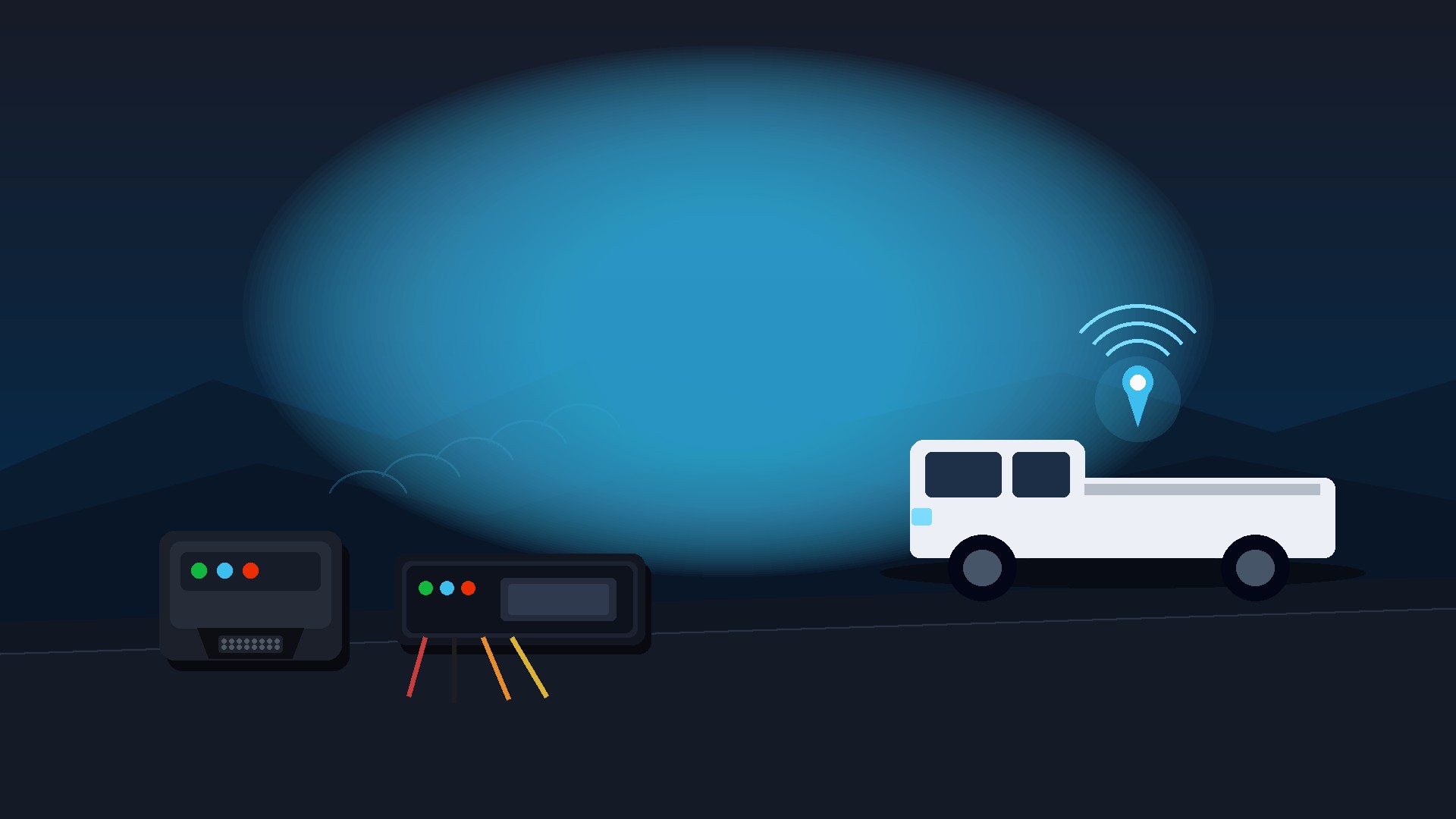
Compare tracker types, review plan pricing and follow practical installation guidance after reading an EZY GPS article.