
4G GPS Tracking Device Australia: What You Actually Need

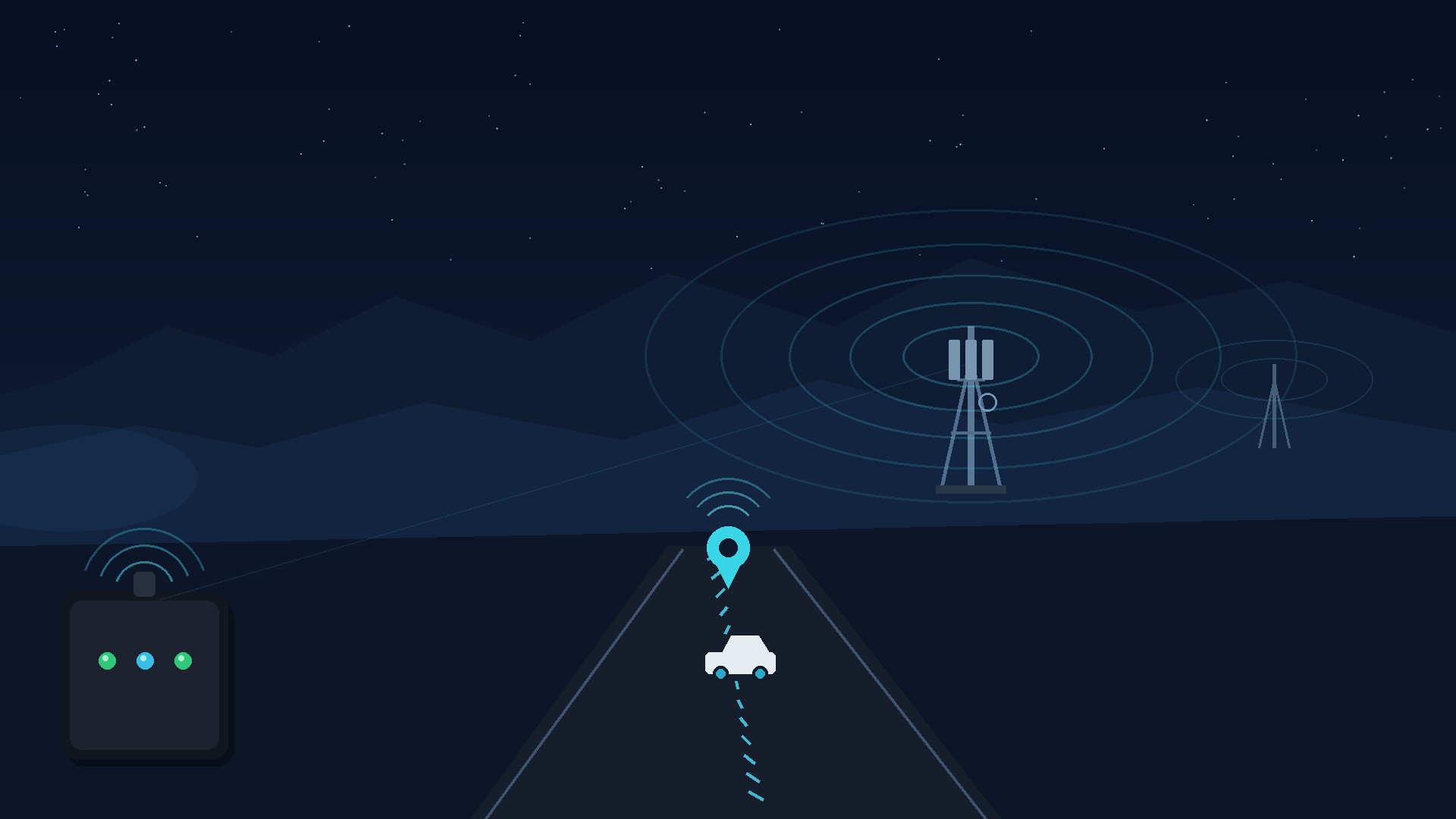
A 4G GPS tracker uses satellite positioning to work out its location and a mobile connection to send that information to your tracking account. Both parts matter: a location on the device is only useful remotely when it can reach the service.
Before choosing a tracker, check the exact device, supported network, installation and service plan. A “4G” label alone does not tell you how well it will work on your routes.
Satellite reception and mobile coverage do different jobs
Satellite reception helps the tracker calculate a position. Buildings, enclosed parking areas and the mounting position can affect reception.
The mobile connection carries updates from the tracker to the platform. It depends on compatible hardware, an active SIM and service, network coverage and the conditions where the device is installed.
A phone can help you understand local coverage, but it is not a guarantee that a tracker will behave identically. Devices can differ in supported frequencies, antennas and installation position.
Replacing an older tracker
Australia’s 3G networks have closed. A device that relies on 3G connectivity needs its compatibility checked with the supplier or service provider. The Australian Government provides information about the 3G network switch-off.
If an older tracker has stopped updating, first confirm the model and service status. A stale map position can also result from lost power, poor reception, an inactive service or configuration problems. Do not assume the device needs replacing solely because the map has not moved.
Choose coverage for your actual routes
Standard EZY GPS tracking plans use supported Optus/Vodafone coverage. Telstra options are available by separate quote.
Tell our team where the vehicle normally travels and where it is parked or stored. Include regional roads, work sites and locations where you already know coverage is limited. Check the proposed service against those places before ordering.
No mobile network covers every location. A different SIM is not automatically a solution: the device and service must also be compatible with the proposed network.
Understand the latest location on the map
The update interval is a device setting; it is different from network speed. Power, reception, movement and configuration can affect when you see a new location.
- Check the timestamp of the latest recorded position.
- Confirm the device is powered or charged.
- Check whether the vehicle is in a location with suitable reception.
- If updates remain stale, ask support to check the device and service.
Ask our team to confirm the reporting interval and available alerts for your chosen device and intended use. Battery-powered devices also need a reporting setup that balances useful updates with charging requirements.
Match the device to the installation
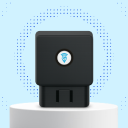
- EZY01 OBD plug-in tracker: a removable option for a compatible diagnostic port. Confirm vehicle compatibility and clearance around the port.
- EZYH1 hardwired tracker: a discreet permanent setup. Professional installation is arranged and paid for separately.
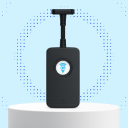
- S20-Pro asset tracker: a rechargeable option where a permanent vehicle-power connection is unsuitable. Confirm mounting and access for charging.
Our team can help match the device and network to your vehicle or asset. The standard tracking setup does not include immobilisation.
Plans and delivered prices
Choose A$275 including GST per device for five years, paid once, or A$77 including GST per device per year while subscribed.
Standard plans include the tracker, SIM, data, app access and Australian support on supported Optus/Vodafone coverage. Postage is A$11 per order: one device is A$286 delivered for five years or A$88 initially on annual. Service-only annual renewals are A$77 per device, with no postage. Hardwired installation is separate, and Telstra options require a quote.
Get the setup checked before ordering
Send us your vehicle make, model and year—or the asset you want to track—along with your usual routes, preferred installation and number of devices. For an existing tracker, include its model and when it last updated.
Compare current plans, ask our team for help or call 1300 399 477.


Continue researching
Useful EZY GPS product and setup resources
Compare tracker types, review plan pricing and follow practical installation guidance after reading an EZY GPS article.