
How to Install an OBD GPS Tracker

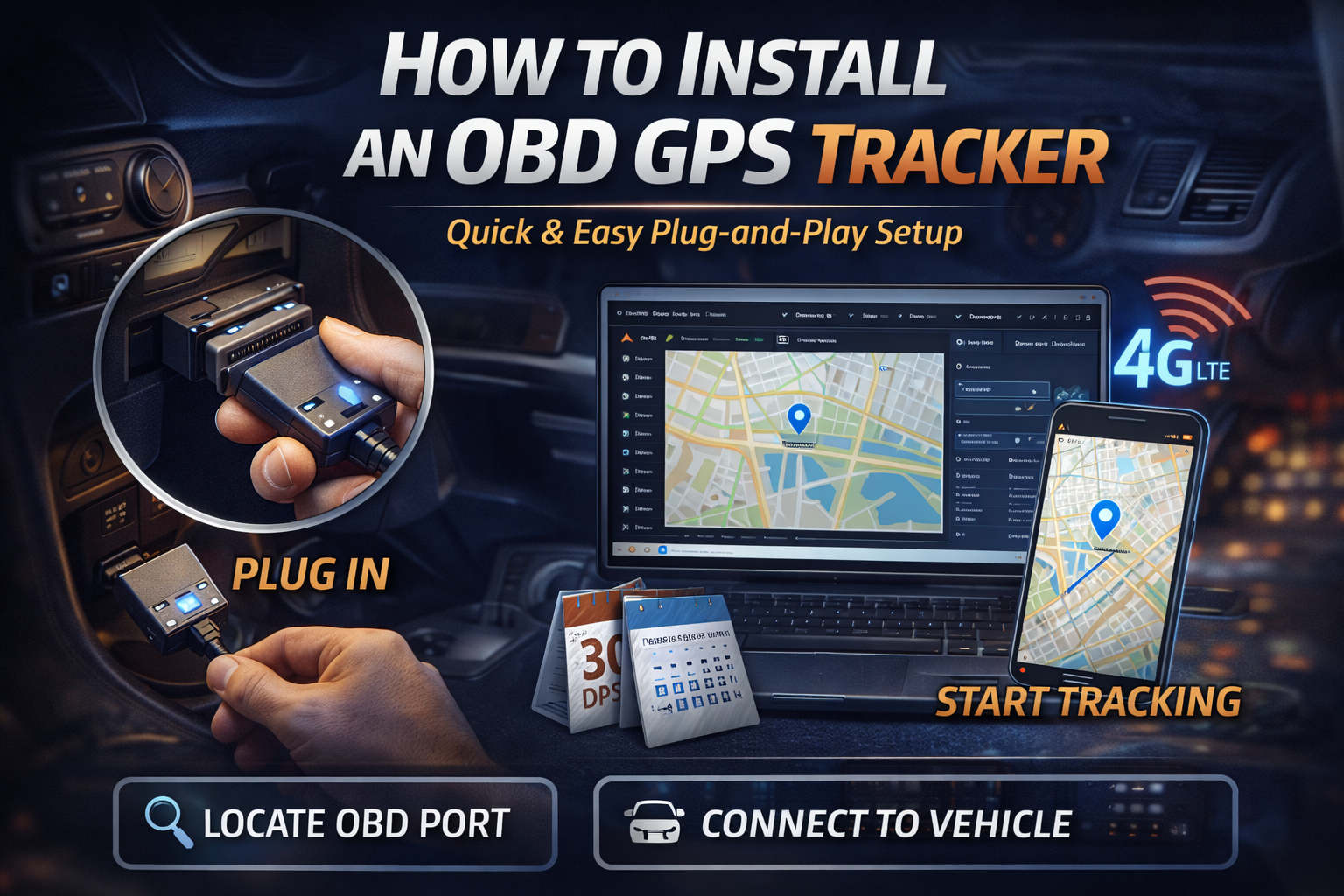
Installing an OBD GPS tracker is one of the quickest and easiest ways to start tracking a vehicle. Unlike hard-wired trackers, OBD (On-Board Diagnostics) GPS trackers are plug-and-play, requiring no tools or technical experience.
Here’s a simple step-by-step guide on how to install one correctly.
What Is an OBD GPS Tracker?
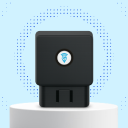
An OBD GPS tracker plugs directly into your vehicle’s OBD-II port, which is standard in most cars manufactured after 2006 in Australia.
Once installed, the tracker can provide:
- Real-time vehicle location
- Trip history and route tracking
- Driving behaviour insights
- Vehicle diagnostics (on supported models)
- Power directly from the vehicle
Where Is the OBD Port Located?
The OBD-II port is usually found:
- Under the dashboard near the steering wheel
- Beneath the driver’s side footwell
- Behind a small removable panel
It’s typically a 16-pin trapezoid-shaped connector.
If you’re unsure, your vehicle manual or a quick visual inspection will help locate it.
Step-by-Step: How to Install an OBD GPS Tracker
1. Turn the Vehicle Off
Ensure the vehicle is switched off before installing the tracker.
2. Locate the OBD Port
Look under the dashboard on the driver’s side and identify the OBD-II port.
3. Plug In the GPS Tracker
Insert the OBD GPS tracker firmly into the port. It should fit snugly without force.
4. Start the Vehicle
Turn the ignition on. Most trackers will power up immediately and show an indicator light.
5. Activate the Tracker
Follow the activation instructions provided by your GPS tracking platform (such as logging into the EzyGPS portal or app).
6. Confirm Tracking
Check that the vehicle appears on your tracking dashboard and that location data is updating correctly.
How Long Does Installation Take?
Most OBD GPS trackers can be installed in under 2 minutes.
No wiring, tools, or professional installation is required.
Will an OBD GPS Tracker Drain the Battery?
No.
OBD GPS trackers are designed to:
- Draw very low power
- Enter sleep mode when the vehicle is off
- Avoid impacting battery health when used correctly
They use less power than many factory vehicle electronics.
Can an OBD GPS Tracker Be Removed Easily?
Yes — and that’s both an advantage and a consideration.
Pros:
- Easy to move between vehicles
- Simple to replace or upgrade
Consideration:
- They are visible and can be unplugged if someone knows where to look
For higher security needs, a hard-wired GPS tracker may be a better option.
Is an OBD GPS Tracker Right for You?
OBD GPS trackers are ideal for:
- Company vehicles
- Small fleets
- Tradespeople
- Temporary tracking needs
- Easy DIY installation
If you need discreet or tamper-resistant tracking, ask about professionally installed options.
Why Choose EzyGPS?
At EzyGPS, we offer reliable GPS tracking solutions designed for Australian conditions, including:
- ✅ Simple OBD GPS trackers
- ✅ Real-time tracking and reporting
- ✅ Secure data storage
- ✅ Easy-to-use dashboard
- ✅ Local Australian support
Final Thoughts
Installing an OBD GPS tracker is fast, simple, and effective. In just minutes, you can gain visibility over vehicle location, usage, and performance — without complex installation.
If you’re unsure which GPS tracker is right for your vehicle, the EzyGPS team is here to help.
👉 Visit www.ezygps.com.au or contact us for expert advice.
Continue researching
Useful EZY GPS product and setup resources
Compare tracker types, review plan pricing and follow practical installation guidance after reading an EZY GPS article.