
Fleet Tracking for Australian Work Vehicles: What You Get

You searched fleet tracking because the work vehicles need to be visible — not a person to watch. Utes. Vans. Trucks. You want one map, clear alerts, and reports you can use when the day is busy.
This article is the outcomes guide. What fleet GPS tracking gives an Australian work fleet. Visibility. Alerts. Trip history. Mileage and idle reports. How hardwired usually fits permanent work vehicles, and when an OBD plug-in still suits a trial or a mixed fleet. Then the buy page: fleet tracking Australia.
If you need the AU-local hardwired choice guide, that already lives at Fleet Tracking Australia: Hardwired for Work Vehicles. For the live-map walkthrough, see Fleet Tracking Australia: Live GPS for Work Vehicles. This post owns the broader business outcomes — what you get when the fleet is on the map.
What fleet tracking actually gives you
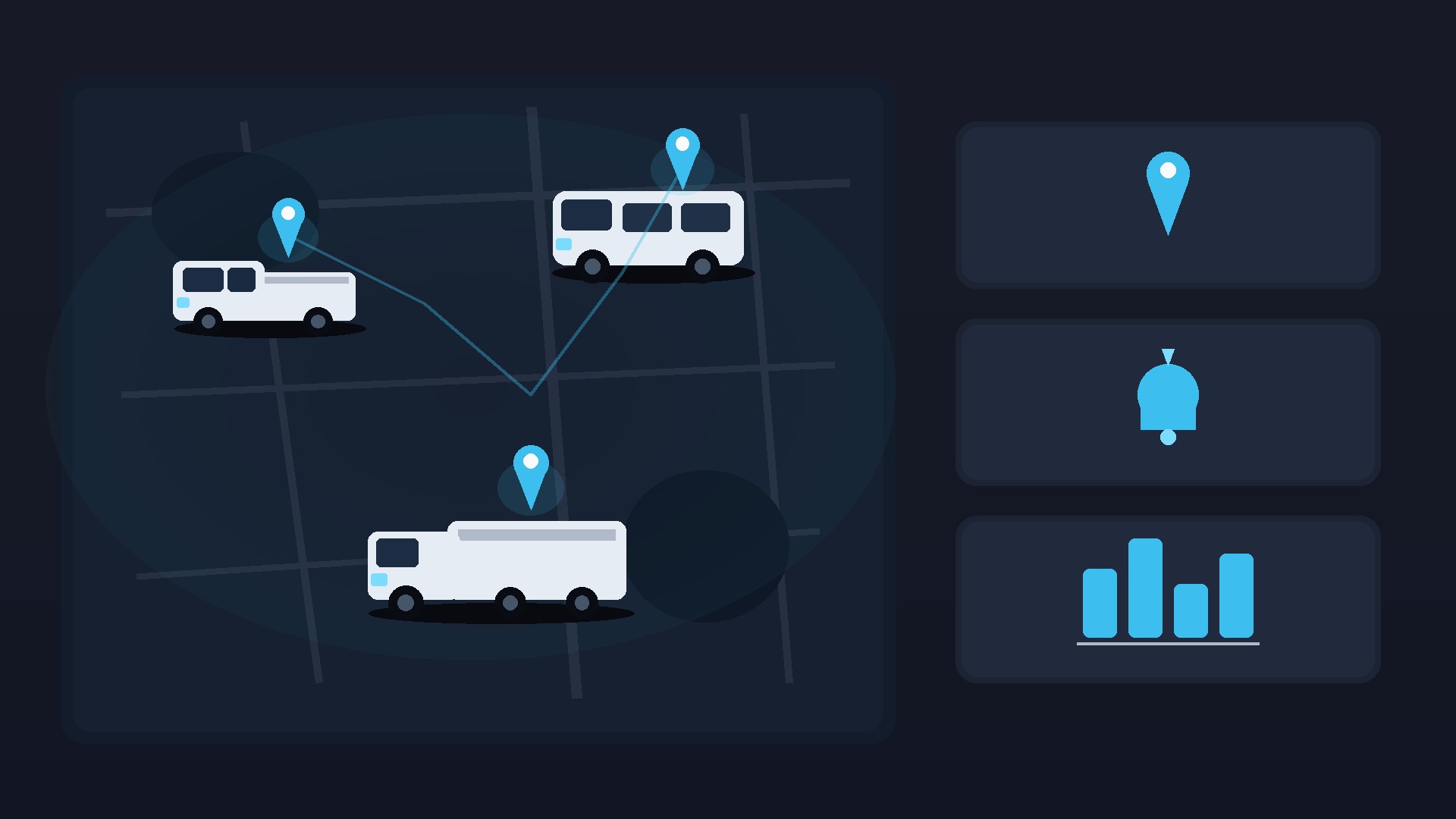
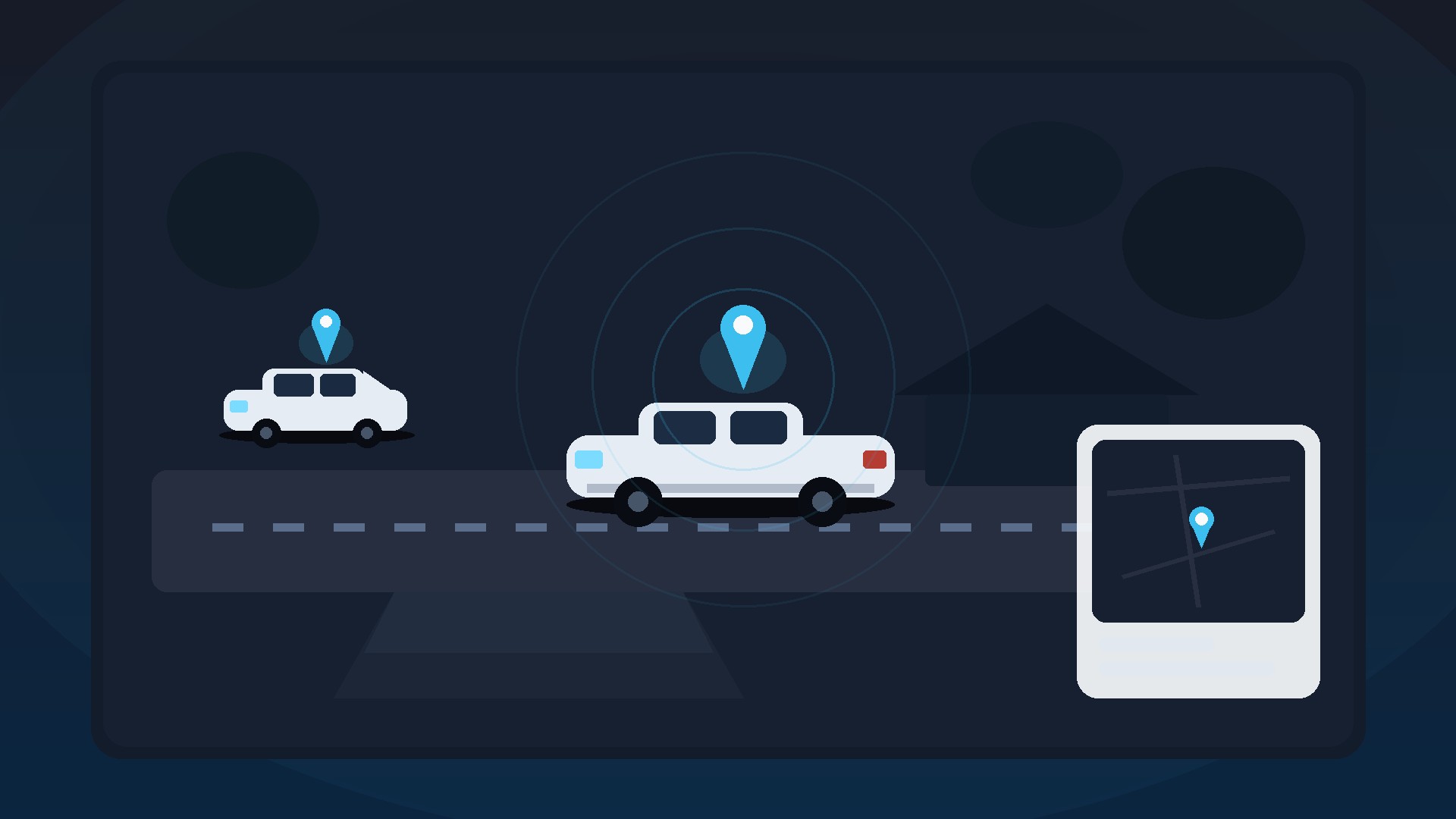
Fleet tracking is vehicle GPS on every work unit you manage. Each ute, van or truck gets its own tracker and plan. Pins sit on one dashboard in the app or on the web.
On that dashboard you get live locations, trip history, mileage, idle time, plus geofence and after-hours alerts. The lander lists the same set. Use it to plan jobs, review travel, and follow up when a vehicle day looks off.
Talk about the vehicle on the map. Not watching a driver as a person. That keeps the product aligned with how Australian work fleets actually run.
You are buying a clear picture of where the work vehicles are, where they have been, and which alerts matter when something moves outside the normal pattern. That is the outcome set. The install choice comes next.
Visibility that keeps up with the day
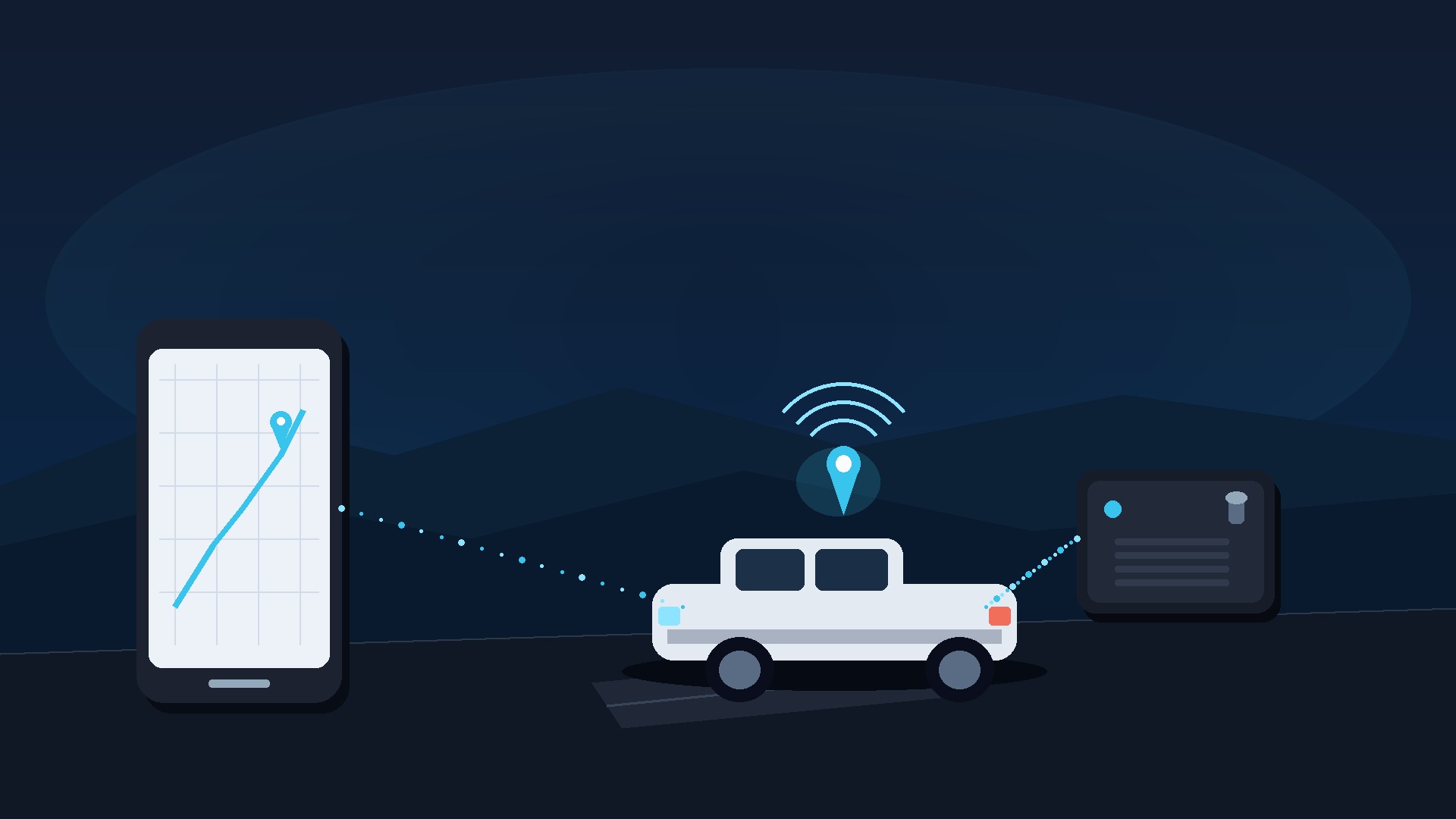
EZY GPS trackers refresh live location about every 10 seconds. That is enough to see a vehicle leave a yard, move between jobs, or sit longer than you expected.
Coverage still depends on the selected network and location. Standard plans use supported Optus/Vodafone coverage. Tell the team your regular routes so they can help check suitability. A Telstra option needs a separate quote.
If a pin has not updated, check the recorded time before you treat it as the current location. GPS reception, mobile coverage, device power and settings all matter. The map is a vehicle record — use it with job books and crew updates, not instead of them.
For small fleets, one shared login and a short morning check can be enough. For larger mixed fleets, name each vehicle clearly so the office can spot the right pin fast when a customer calls.
Alerts that match how work fleets run
Geofences let you mark a yard, depot or job site. After-hours alerts help when a hire or service vehicle should be parked. Power-loss alerts matter more when the unit is hardwired and harder to unplug.
Available alerts depend on the device and account setup. Start with the places and times that actually change how your office works. You can tighten later.
Hire and rental fleets often care about after-hours and geofence alerts first. Trades and field crews often care about one map for every ute and van. Logistics teams often replay trips and check mileage. The lander names the same groups.
Do not turn on every alert on day one. Pick two or three that match how your vehicles actually move. Then add more once the office knows what a useful ping looks like.
Reports people actually use
Review trip history, mileage, speed and idle time to understand vehicle use and follow up on jobs. Available reports depend on your device and account setup.
- Mileage reports for each vehicle
- Speed reports you can actually use
- Idle time across the fleet
- Trip export when you need a record
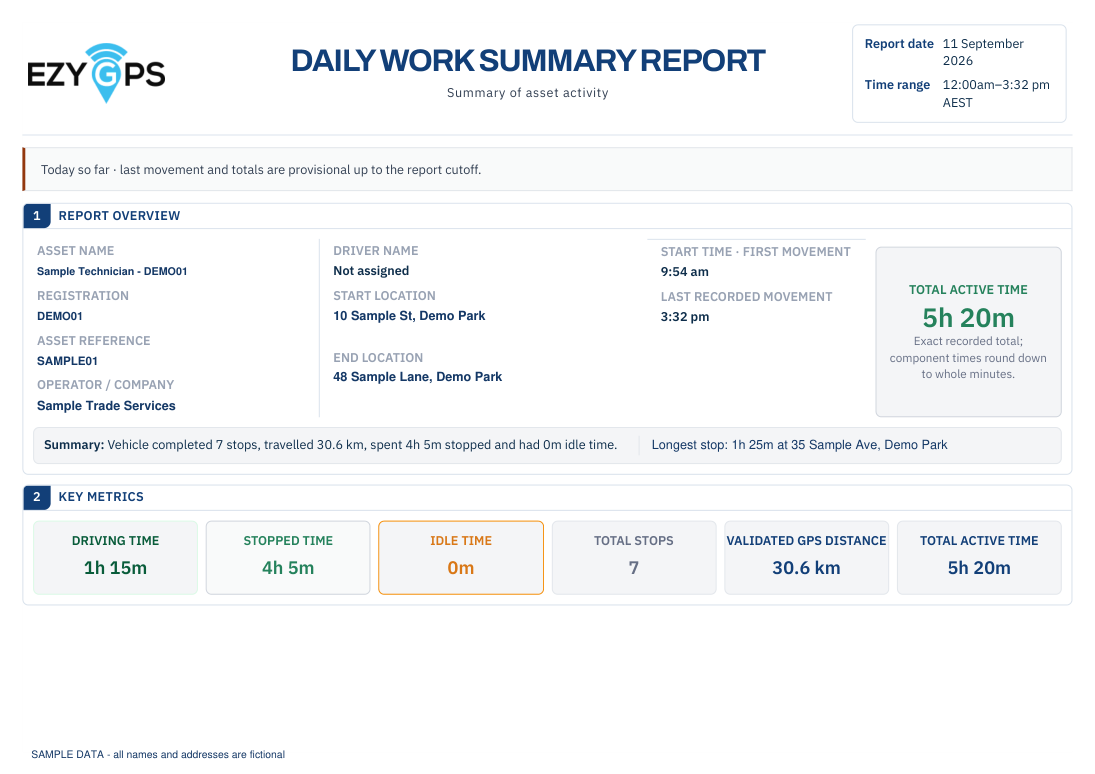
Daily work summaries bring recorded trips, stops, distance and movement times together. Use them alongside job records to review the working day. A stop at an address does not by itself prove a job was finished or set hours worked.
Need help choosing a report? Call the Australian team on 1300 399 477 or email sales@ezygps.com.au.
Export a trip when you need a record for a customer dispute or an internal review. Keep the report with the job note so the office can see the vehicle path and the booking in the same place.
Hardwired as the usual fleet install
Fleets usually hardwire because the unit sits hidden, is harder to unplug, and can send a power-loss alert. That fits Australian work vehicles that stay with the business — job sites, yards, and roads after hours.
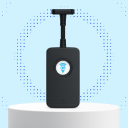
A hardwired tracker connects into the vehicle wiring for a discreet, permanent fit. Arrange and pay for professional installation separately. EZY GPS can recommend an independent installer.
Immobiliser is not in the standard package. If you need that option on a suitable hardwired fleet install, ask the team before you order so compatibility and safe fitting can be confirmed.
Budget installation per vehicle type. A ute, a van and a truck can each need a different quote from the installer. Confirm make, model and year before you book.
OBD for a trial or a mixed fleet
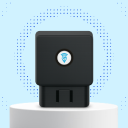
An OBD plug-in tracker plugs into a compatible OBD port. It is a simple choice when you want fast installation and easy transfer between compatible vehicles.
It still suits a mixed fleet or a trial vehicle. Check port compatibility before you order. Because the port is accessible, the unit is easier to unplug than a concealed hardwired device.
Many fleets trial OBD on one or two vehicles, then hardwire the rest. Same app. Same plans. Different fit for each vehicle type.
If you swap light vehicles often, OBD can stay useful longer. If the vehicle is staying in the fleet for years, hardwired is usually the cleaner long-term fit.
What you pay when the device is included
Both standard plans include a tracker, SIM, data, app and web access, and Australian support for each vehicle. The device is included — you are not buying a tracker and then hunting for a separate service plan.
- Five years prepaid: A$275 including GST per device, paid once for five years. One device delivered: A$286.
- Pay annually: A$77 including GST per device each year while subscribed. One device delivered: A$88 initially, then A$77 yearly. Service-only renewals have no postage charge.
Postage is A$11 including GST once per physical order. Hardwired installation is arranged and paid for separately. OBD trackers self-fit in compatible vehicles.
Business price on the published plans is A$250 + GST per device for five years, or A$70 + GST per year, plus A$10 + GST postage per order. Compare the full totals on pricing.
For a fleet quote, include your vehicle count, vehicle types, regular travel areas and installation needs. Ask whether you want a multi-vehicle order with one postage charge.
Who this outcome set is for
- Trades and field crews who need one map for every ute and van
- Service businesses that need to review vehicle travel and the working day
- Hire and rental fleets that need after-hours and geofence alerts
- Logistics and delivery teams that replay trips and check mileage
- Small fleets that want vehicle information in one place
- Mixed fleets that can trial an OBD plug-in, then hardwire the rest
Same product pattern. More pins. More logins. Keep the focus on the work vehicle — not person tracking.
How to get fleet tracking set up
Pick the plan schedule that suits cash flow. Choose hardwired for permanent work vehicles, or OBD for a trial or compatible light vehicles. Tell the team where the fleet travels so coverage can be checked.
Then open the lander and request a multi-vehicle quote, or call through. Do not invent a new commercial URL. The buy path is already live.
Get fleet tracking for your work vehicles — multi-vehicle quote on the lander, or call 1300 399 477 / email sales@ezygps.com.au. Prefer a form? Use contact.
Continue researching
Useful EZY GPS product and setup resources
Compare tracker types, review plan pricing and follow practical installation guidance after reading an EZY GPS article.